




In this week’s CreativePro video, Jole Simmons shows off a trick to quickly clean up and arrange the items on your Powerpoint slides. Taking from the Three Minute MAX session at CreativePro Week 2019, Jole demos how to quickly change a messy collection of images into well laid-out slides.
New videos every Tuesday on our CreativePro YouTube channel. Be sure to subscribe so you don’t miss any!
This article was last modified on August 29, 2025
This article was first published on September 4, 2019
Commenting is easier and faster when you're logged in!

Recommended for you
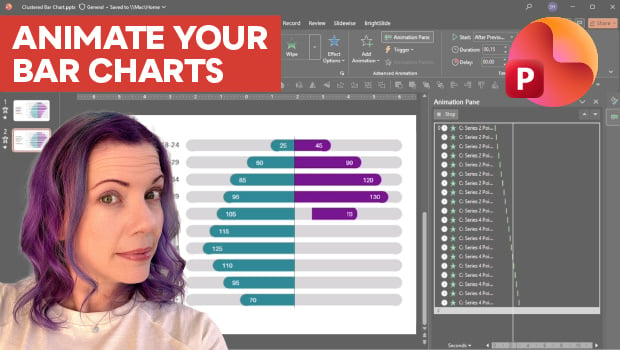
Animate a Waterfall Effect on a PowerPoint Bar Chart
Stephy Hogan is back with another eye-catching animated chart design.

Interview with Thaddeus Coates, Artist and Character Designer
Thaddeus Coates shares his fun and fearless approach to design and how community...

Export a PDF to a PowerPoint File from Acrobat
Editing your PDF file will be a breeze if you export it to PowerPoint, with Chad...