Peter Kahrel
About
Peter Kahrel is the author of several eBooks on InDesign and scripting, including GREP in InDesign and Javascript for InDesign, published by CreativePro Network. He is a retired scripting engineer.
Speaking at these events
The InDesign Conference 2026
The essential how-to event for creative professionals who rely on Adobe InDesign.
CreativePro Week 2025
Available for purchase through September 6. On-demand access ends June 6, 2026. CreativePro Week is the world’s best how-to conference to master the tools of…
Articles
See all articlesSort Cross References
Cross-references are printed in the order in which they were added to the document. If you add to a topic a cross-reference to the topic Python, and later, at the same topic, create a cross-reference to the topic JavaScript, you end up with See also Python; See also JavaScript. This can be fixed with a […]
Filtered File > Open Dialog Box
Here’s a way to filter file types in your Open File dialog box.
Index Fixes: Sorting
InDesign doesn’t distinguish letter-by-letter and word-by-word sorting, it supports only letter-by-letter sorting.
Sort and Combine Cross References
Unlike subtopics, which InDesign sorts, cross-references are printed in the order in which they were added to the document. If you create a cross-reference to the topic UXP, and later, at the same topic, create a cross-reference to the topic JavaScript, then another one to AppleScript, the Index panel shows them in the order you […]
Index Fixes: No Styling in Topic Names
Topic names cannot natively be styled in the Index panel. However, a simple solution is to add text tags such as <i>. . .</i> and use two GREP queries in the generated index to apply character styles and remove the tags, or set up a GREP style in the topic paragraph styles to hide those […]
Indexes and Concordances
The terms ‘concordance’ and ‘index’ are not used in the same way by everybody. For the purposes of this web page, I use concordance for a list of occurrences of one word in its context and index for a list of several words, each word accompanied by one or more page references. There are several types of index (word […]
Skip Style: Format First Lines in Index Sections
Apply a paragraph style to index entries that start a new letter. Optionally insert section headings.
Marginal Notes in InDesign
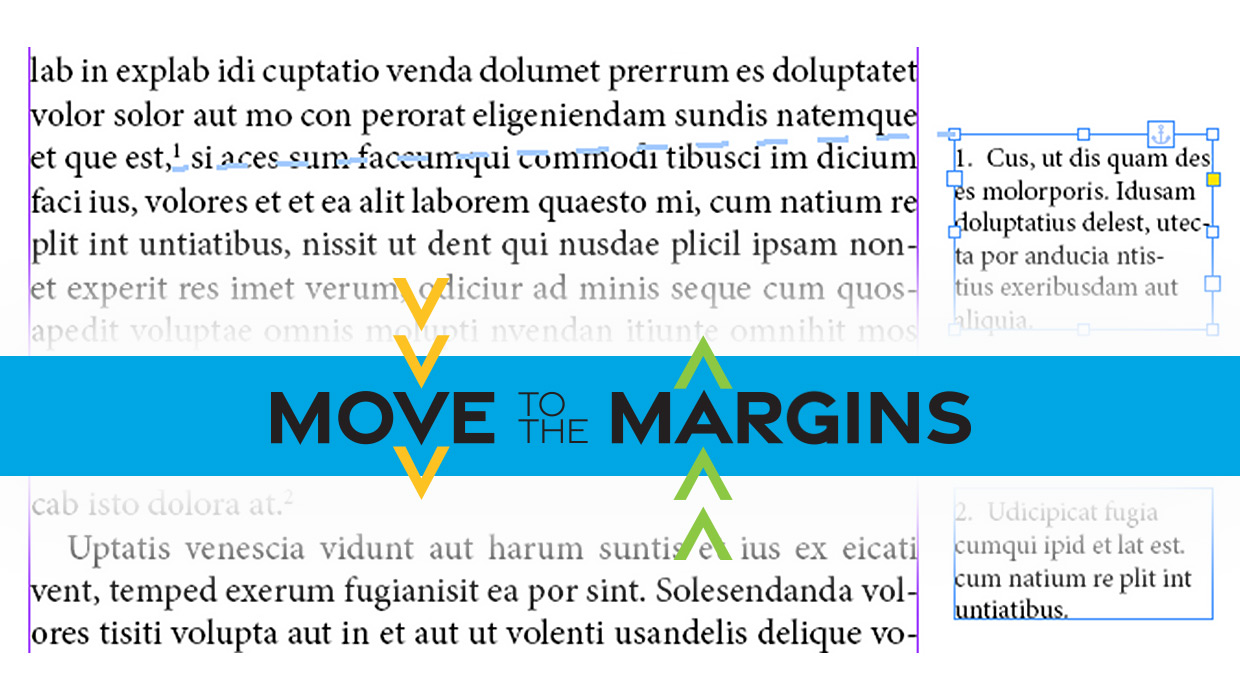
Learn two easy ways to convert footnotes and endnotes to marginal notes in InDesign.
Update Index
When you edit an index, for example to combine entries, you can end up with un-well-formed page ranges such as 2, 16-34, 4-8, 5-10, x, 12-18, ii-iv. The Update Index script fixes this—either the whole index or just the selected entry.