
About
Steve Caplin is a freelance photomontage artist based in London, whose satirical illustrations have appeared in newspapers and magazines around the world. He is the author of the best-selling How to Cheat in Photoshop, and runs the 2 Minute Photoshop YouTube channel. His free library of Photoshop resources can be found at photoshop.london.
Articles
See all articlesTransform a Low-Res Logo to Vector with Illustrator
Sharpen up a low resolution image using the Concept2Vector tool in Illustrator.
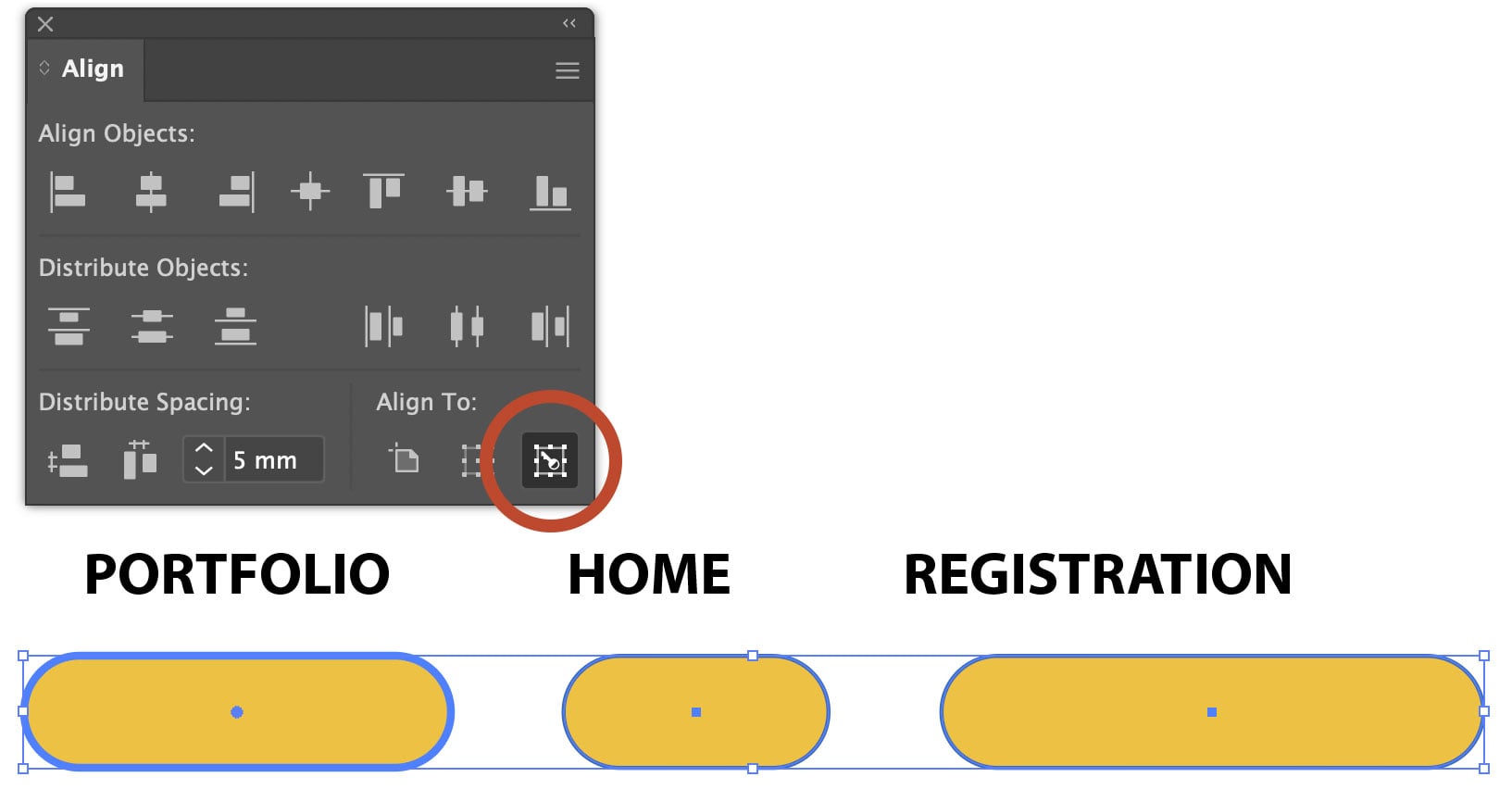
Using Align to Key Object in Illustrator
The Align panel in Adobe Illustrator is a quick and easy way to align or distribute objects. The Align to Key Object button allows you to perform the same function relative to a specific object, without moving it – and this makes the tool very much more powerful. Open the Align Panel This artwork comprises […]
Colorize an Image with AI in Photoshop
Use Photoshop’s Neural Filters to add color to a black and white photograph with Steve Caplin.
Making an Image Entirely Out of Text in Photoshop
Create a typographical wonder with Steve Caplin.
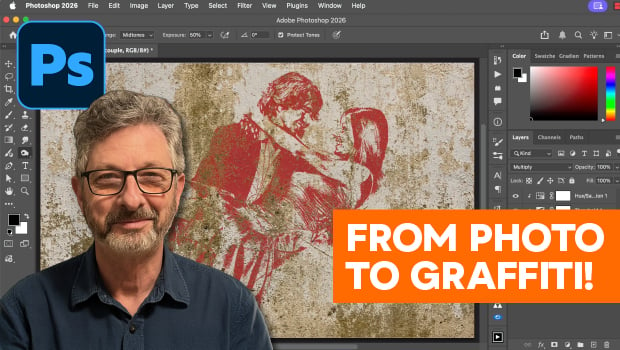
How to Turn a Photo into Graffiti in Photoshop
Create a spray-painted masterpiece in Photoshop with Steve Caplin.
How to Make a Realistic Flag in Photoshop
Create a realistic waving flag in Photoshop with Steve Caplin.
Rotating Objects in Illustrator Using Turntable
Generate vector objects from a variety of angles with the help of AI
New Photoshop Tools in the Early 2026 Update
Steve Caplin gives a thorough tour of Photoshop’s new April 2026 features!
What’s New in Photoshop: April 2026
New features for removing unwanted people and objects, rotating objects, and renaming layers