



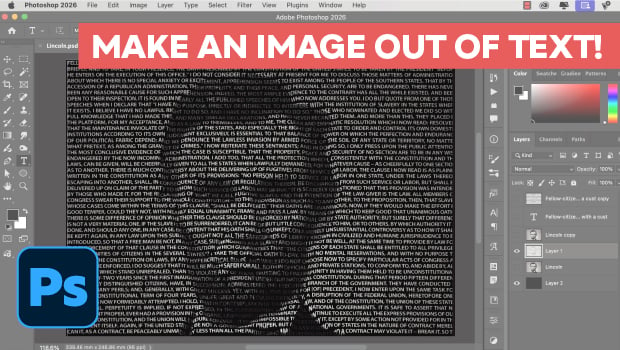
In this Photoshop how-to video, Steve Caplin demonstrates how to create an image entirely out of text. He starts by showing how to format your text to keep it legible and how to simplify your image so the text lies smoothly. Finally, Steve adds the Displace filter and tweaks the settings until he’s satisfied with the results.
Subscribe to the CreativePro YouTube channel for more helpful design tips!
This article was last modified on June 24, 2026
This article was first published on June 30, 2026
Commenting is easier and faster when you're logged in!

Recommended for you



Before&After: How to Use that Typeface
That font you just learned about won’t work just anywhere; it has a style that n...