



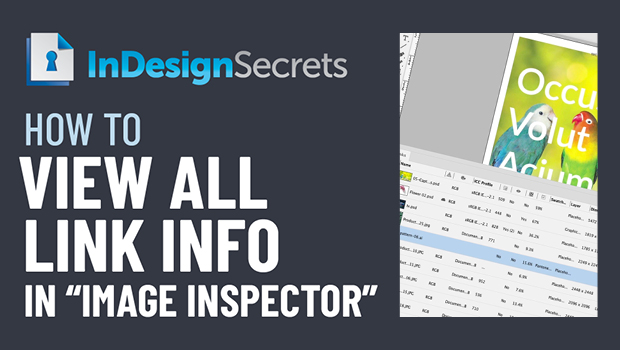
In this InDesign how-to video, Bart Van de Wiele explains how to create an image inspector, showing a plethora of information on a document’s links. Taken from the “Three Minutes Max” event at CreativePro Week, he shows all the hidden information you can include, and even how to share that info in a spreadsheet.
Check out new tutorials every other Tuesday on our InDesign Secrets YouTube channel, then join the discussion on our Facebook group!
This article was last modified on August 29, 2025
This article was first published on December 16, 2020
Commenting is easier and faster when you're logged in!

Recommended for you

Tip of the Week: Halting Hyphenation Without Forced Line Breaks
This InDesign tip was sent to Tip of the Week email subscribers on April 18, 201...
This Week in InDesign Articles, Number 95
Some cozy InDesign articles to keep you warm on these ever-colder evenings!
This Week in InDesign Articles, Number 9
I know it's been quiet around here, but there's lots buzzing behind the scenes....