


CreativePro Video: Always Paste to Center in Photoshop
See the simple trick for pasting large selections in Photoshop to the center of the canvas.
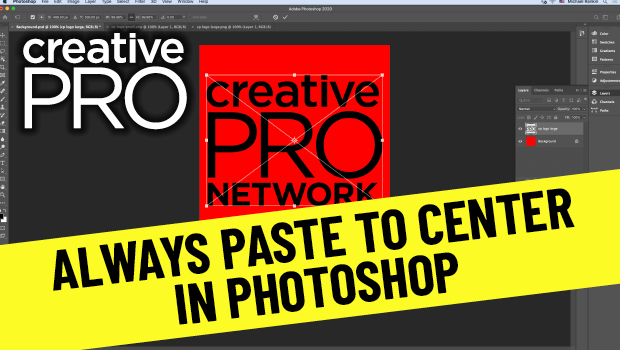
In this video, Mike Rankin shows how to paste an item in Photoshop to the center of the canvas. Although that’s the expected behavior, when pasting objects larger than the canvas they’re not centered and they require extra steps to fix. Mike demos a quicker way to have a pasted image auto center and scale.
New videos every other Tuesday on our CreativePro YouTube channel. Be sure to subscribe so you don’t miss any!
This article was last modified on August 29, 2025
This article was first published on December 8, 2020
Commenting is easier and faster when you're logged in!

Recommended for you

How to Make a Solid Gold Ring With Photoshop
When a Welsh friend wanted to propose to his girlfriend, he thought it would be...
Colorizing Images in Photoshop with Neural Filters
See the strengths and limitations of Photoshop's ability to automatically colori...

Creating Light and Shade in Photoshop with Levels Adjustment Layers
Learn a great technique for making the subject match the background lighting in...