



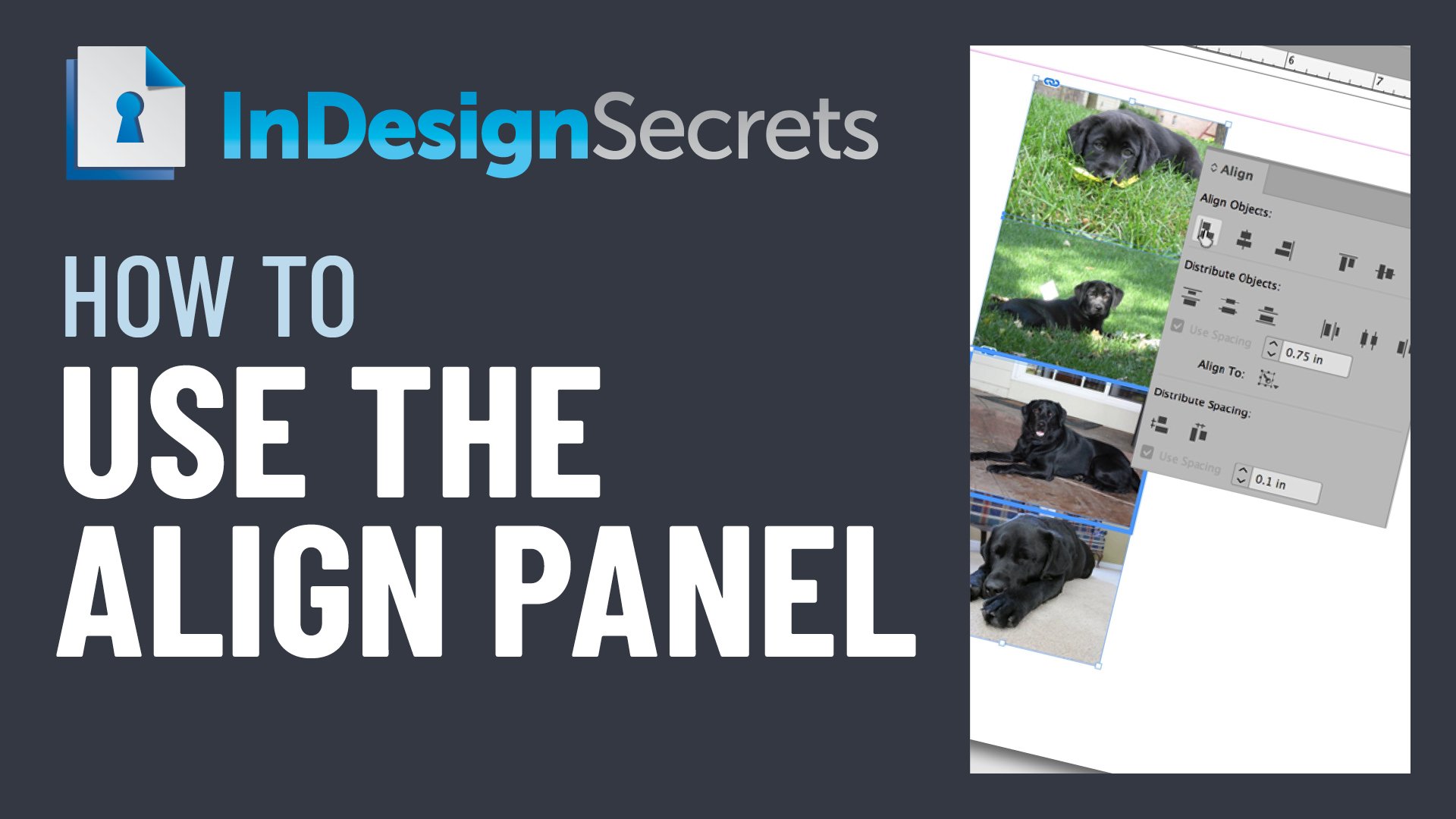
In this week’s InDesignSecrets video, Laurie Ruhlin shows off the power of InDesign’s Align panel. She demos using a key object to control where the alignment happens and shows how to specify an amount of spacing between objects.
Check out new tutorials every other Tuesday on our InDesign Secrets YouTube channel, then join the discussion on our Facebook group!
This article was last modified on August 29, 2025
This article was first published on March 24, 2020
Commenting is easier and faster when you're logged in!

Recommended for you
How to Align and Distribute Objects in Illustrator
Learn how to align and distribute objects in Illustrator, take a look at the dif...

Enhancements to Align panel options for Guides in InDesign CC 2019
The Align panel now makes it easier to see which options for aligning and distri...
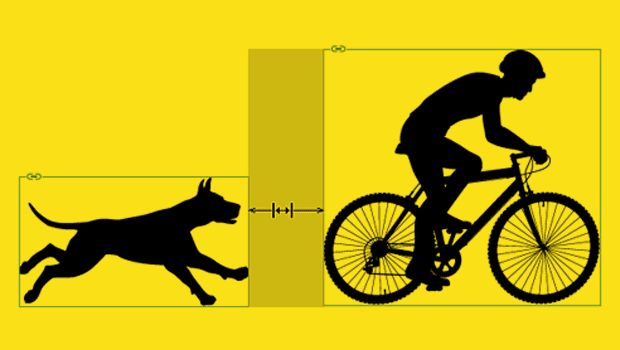
Setting Exact Space Between Objects in InDesign
Learn two methods to use when you need a precise amount of space between items i...