



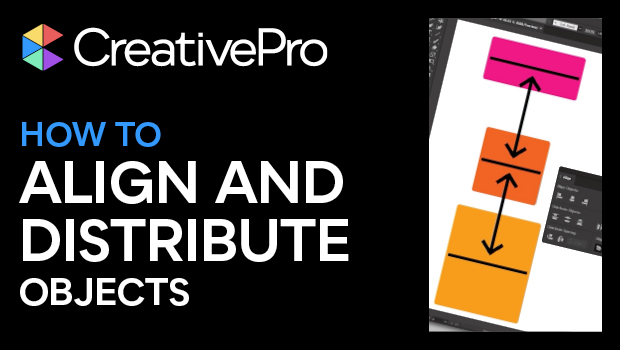
In this Illustrator how-to video, Kat Kremser demonstrates the basics of aligning and distributing objects in Illustrator. She explains the difference between alignment modes and shows how to set custom spacing between objects.
Subscribe to the CreativePro YouTube channel for more helpful design tips!
This article was last modified on August 29, 2025
This article was first published on April 22, 2025
Commenting is easier and faster when you're logged in!

Recommended for you

How to Use the New AI Features in Illustrator
Learn how to use Illustrator’s new AI features to use a prompt to create vector...
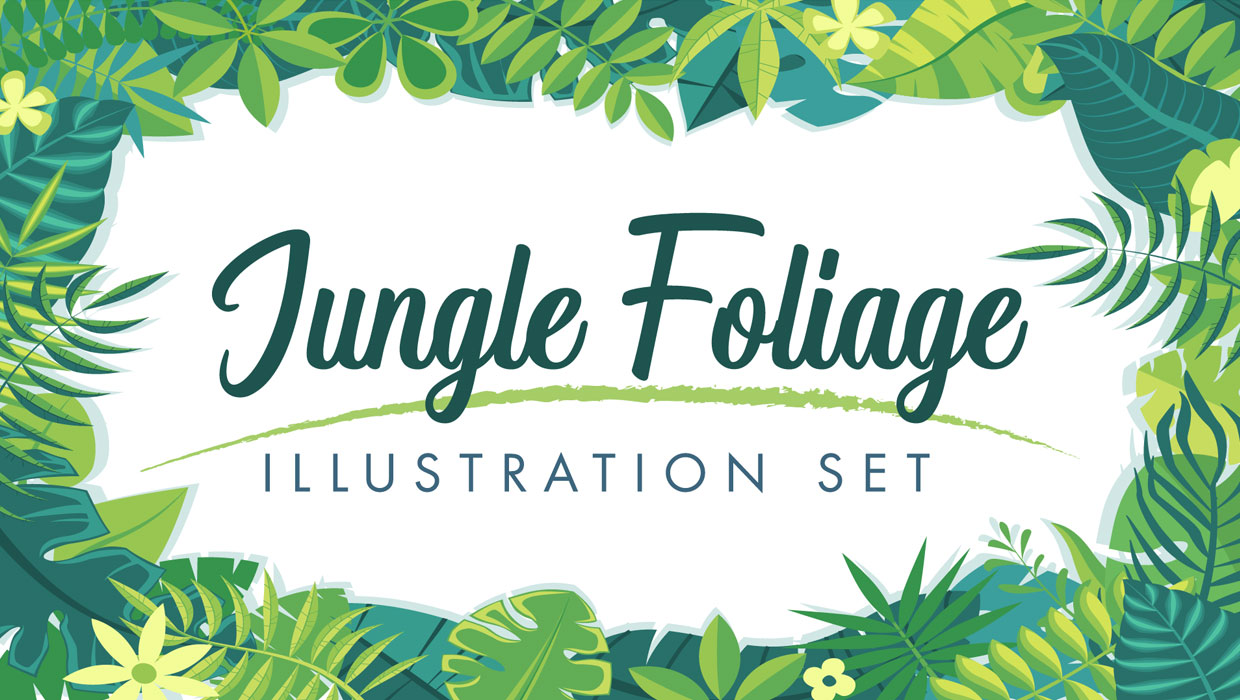
Illustrator Downloadable: Jungle Illustration Set
A set lush and leafy vector symbols, frames, and colors.

SOS San Francisco: A Case Study for Collective Visual Brainstorming
This article details the creative process used to develop the graphics for SOS S...