




Prizmo from Creaceed is a Mac application for easily scanning with a digital camera. It is available in English, French and German.
Main Features:
– Extraction grid with interactive grid positioning and real time preview
– Guessing of optimal DPI for current image/grid configuration
– Brightness, contrast, sharpness and saturation tuning
– Smart Binarization for even improved output resolution
– Lens distortion correction
– Perspective correction
– Collaborative sharing of camera calibration data
What can you scan with Prizmo?
– Common documents (invoices, receipts, etc.) as well as less usual documents (boards, giant advertisements, and so on)
– Documents of all sizes (custom and regular formats, such as US Letter, A4, A3)
– Portrait and landscape documents
– Indoor and outdoor photographs
You can find some real examples of what you can do with Prizmo on our Web site.
How does Prizmo work?
1.Take a picture of your document.
2. Import it into Prizmo.
3. Select the part of the photograph you need.
4. Easily process the selected image in a few clicks (change brightness, contrast, height, and width if desired).
5. Drag and drop it to your desktop.
6. Send the image by email, print it, save it on your computer or on an external disk.
This article was last modified on December 14, 2022
This article was first published on April 21, 2009
Commenting is easier and faster when you're logged in!

Recommended for you

ALAP Releases XPert Align, XPert Layers, XPert Print
A Lowly Apprentice Production, Inc. (ALAP), a leading developer of extended tech...

Design Observer Announces Book Design Winners
Online design resource, the Design Observer Group, recently announced the winner...
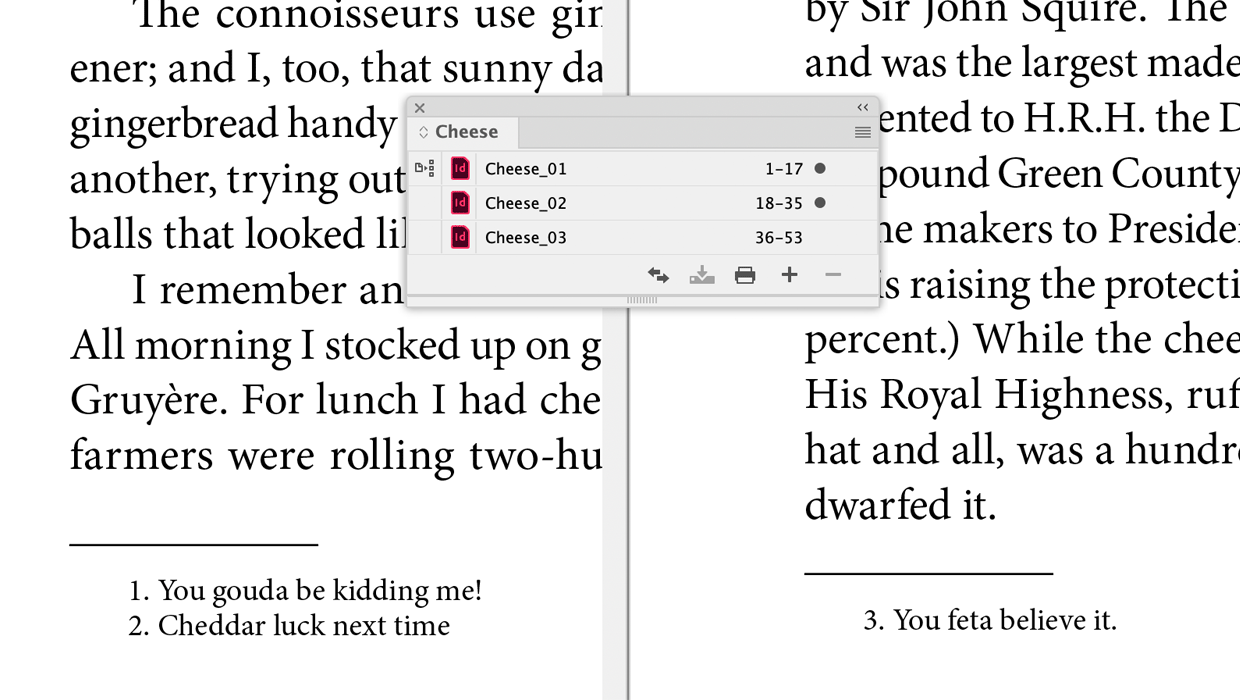
A Script to Continue Footnote Numbering Across Book Documents in InDesign
Free script to makes it easy to manage footnote numbering in complex book docume...