



This InDesign tip on a shortcut for accessing grid preferences was sent to Tip of the Week email subscribers on March 15, 2018.

Sign up now and every week you’ll get a new tip, keyboard shortcut, and roundups of new articles, plus exclusive deals sent right to your Inbox!
Just scroll down to the bottom of this page, enter your email address, and click Go! We’ll take care of the rest. Now, on with the tip!
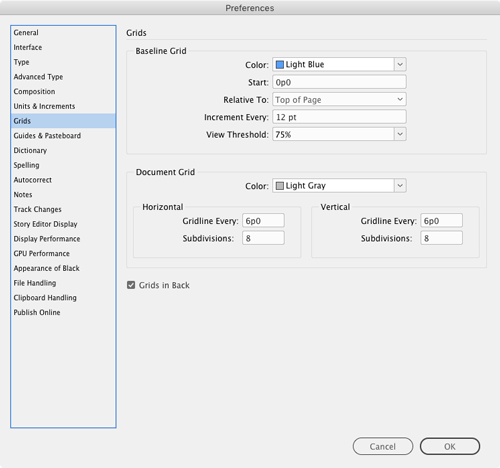
Need to change the color, position, or other aspect of the baseline grid or document grid? Sure, you can access Grid preferences with menu items or keyboard shortcuts. But the absolute fastest way is to simply hold the Option or Alt key and click on either grid icon in the Control panel…
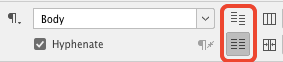
or the Paragraph panel…
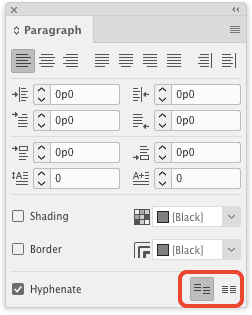
and you’ll instantly be looking at Grid preferences.
This article was last modified on July 20, 2021
This article was first published on March 20, 2018
Commenting is easier and faster when you're logged in!

Recommended for you

InDesign Magazine Issue 136: Advertising
We’re happy to announce that InDesign Magazine Issue #136 (August 2020) is now a...

Tips for Selecting Objects Using the Layers Panel
When it comes to selecting objects on complex pages, the Layers panel is invalua...

Before&After Design Tip: Using Many Photos? Display Them in a Grid!
A beautifully simple way to display a group of photos