




Here’s a quick design tip on working with photos from issue 43 of Before&After Magazine.
A grid is a beautifully simple way to display a group of photos. It’s neater than a scrapbook-style collage yet just as versatile, and it accommodates large and small photos, side by side and overlapped, yet functions as a single, easy-to-design unit.
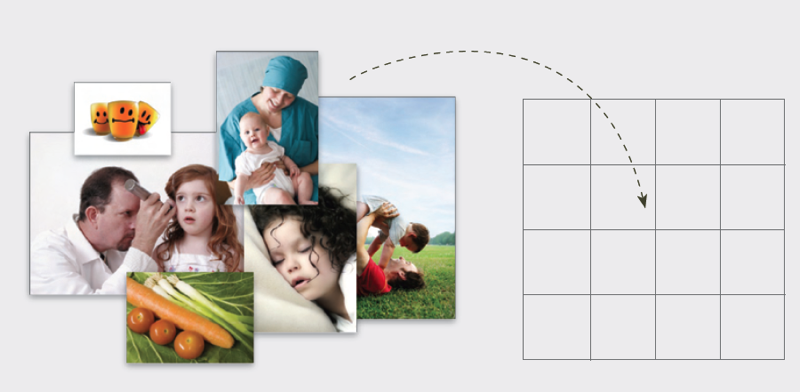
Sometimes you can’t find that one perfect photo. Use many! Set up a uniform grid, then crop your photos to fit a square or some multiple of squares.
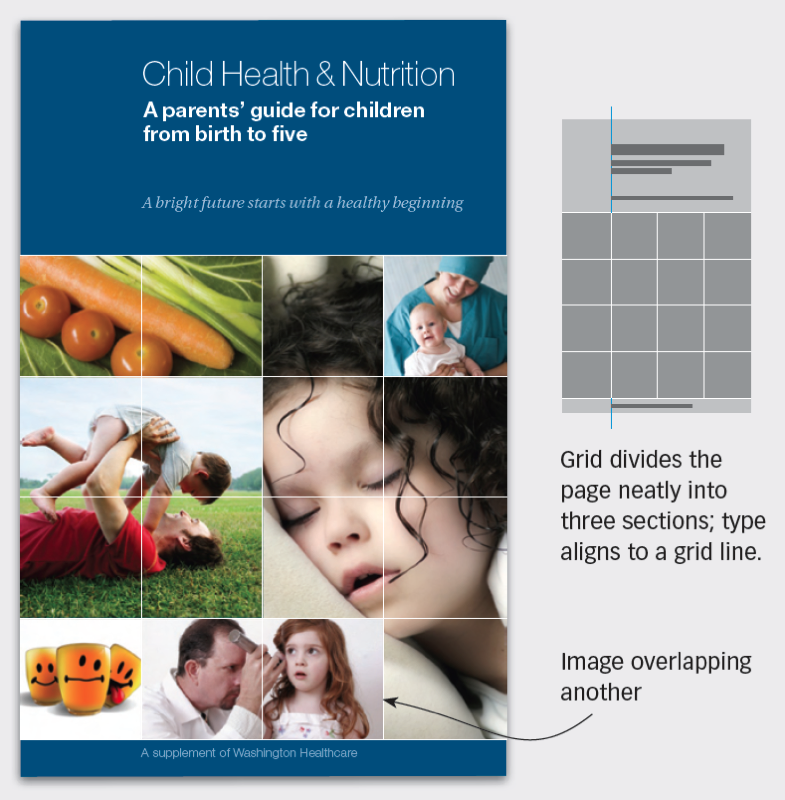
A 16-unit grid (above) can contain between one and 16 images. Note that the grid lines remain on top.
CreativePro members can download original content from Before&After Magazine, a beloved resource that taught a generation of newly minted digital designers how to design and communicate effectively with the written word. See our archive here.
© John McWade/Before&After Magazine, courtesy of Gaye Anne McWade.
This article was last modified on January 4, 2026
This article was first published on September 6, 2024
Commenting is easier and faster when you're logged in!

Recommended for you
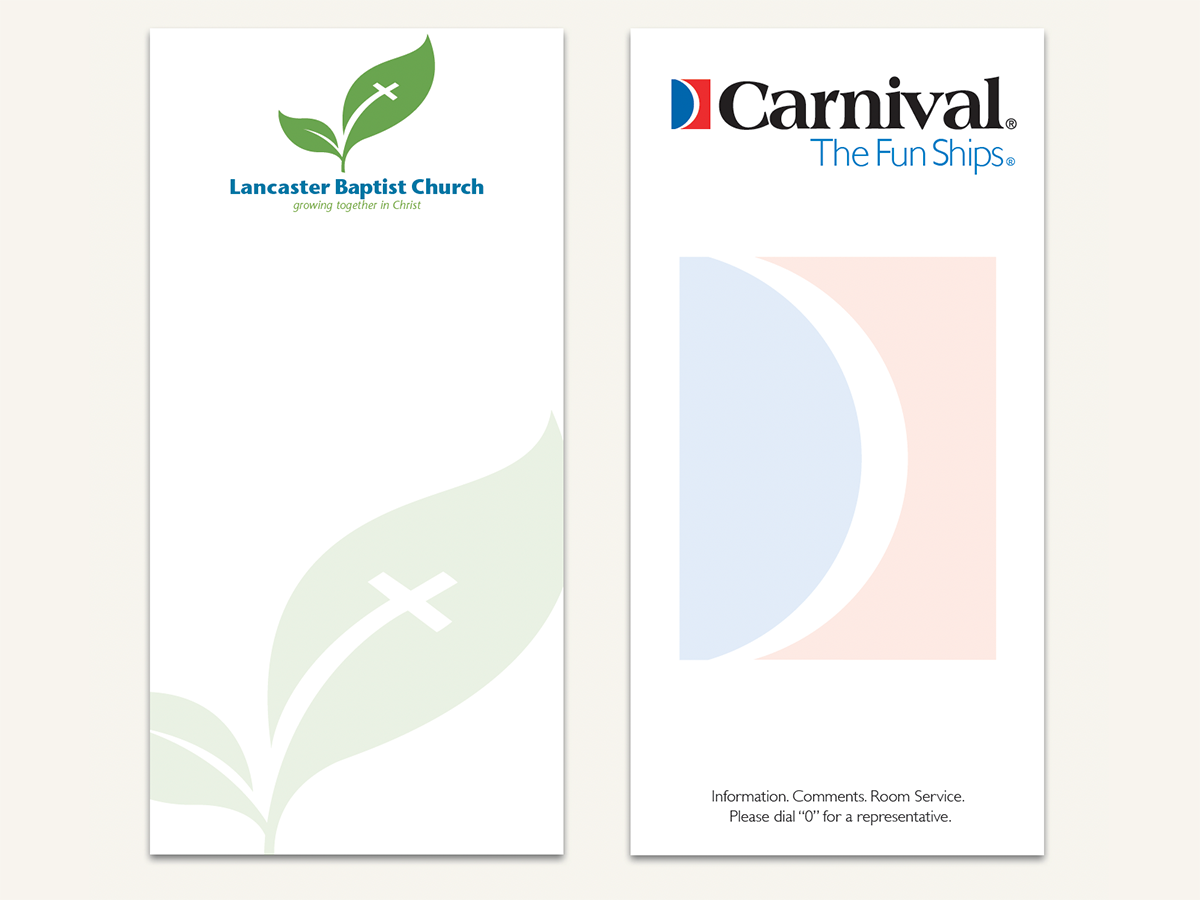
Before&After Design Tip: Use a Ghosted Logo to Make a Great Notepad
This small notepad shows off your logo and lets your reader interact with it slo...
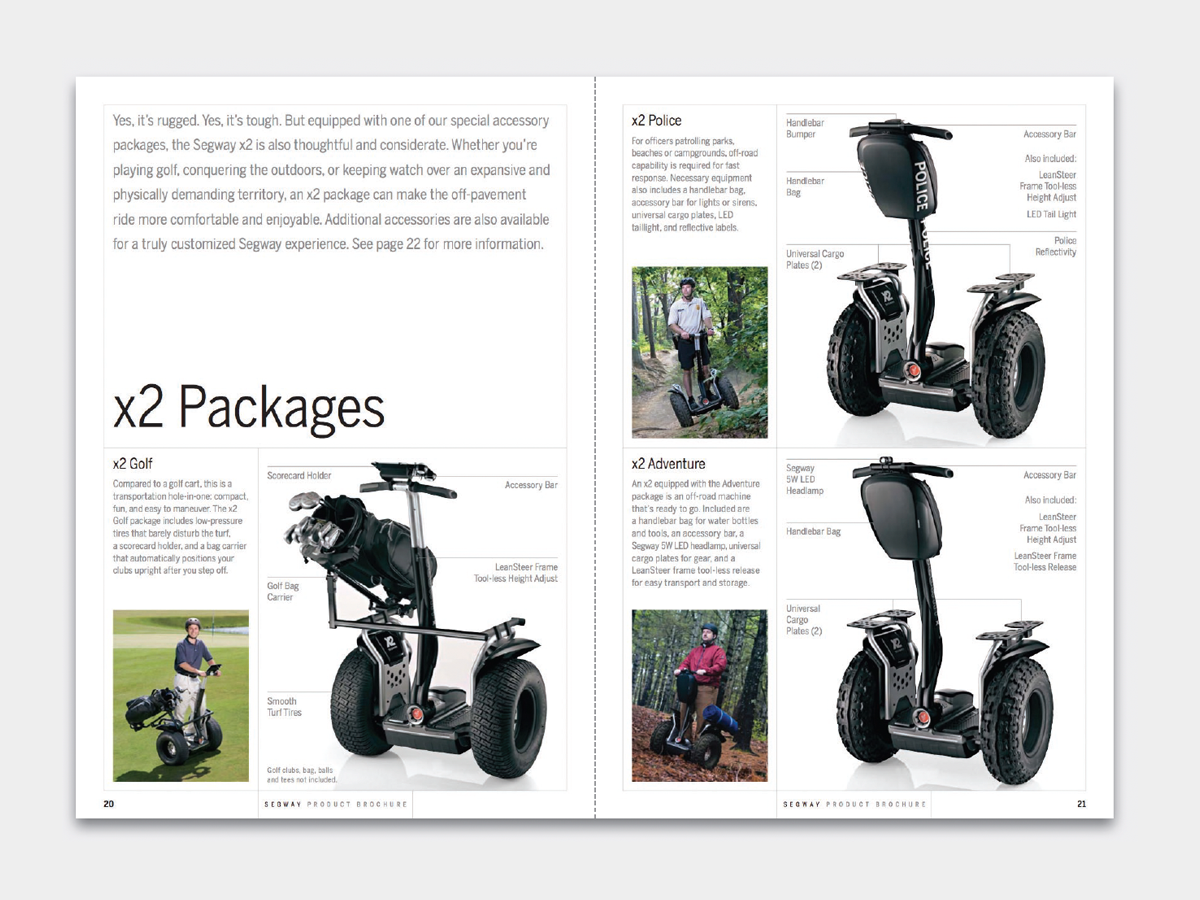
Before&After: Design a Catalog of Rectangles
This catalog motif is simple, handsome, and versatile.
The Before & After Collection
John McWade’s treasury of design instruction finds a new home at CreativePro.