


Apply Semibold
You can define shortcuts for applying italics, bold, and other font styles, but not for semibold. This is easily remedied by a script. Set a shortcut to the script and...
Oops, you’re not logged in!
Log in or sign up for a free account.


This script is part of the Type and Text collection. See the full collection here.
InDesign defines some standard shortcut keys to apply, among others, italics (Ctrl/Cmd+Shift+I), bold (Ctrl/Cmd+Shift+B), and smallcaps (Ctrl/Cmd+Shift+H). You can see these assignments in the Keyboard Shortcuts dialog.
Unfortunately, semibold is not an option in the Keyboard Shortcuts dialog, so you can’t define a shortcut to apply it. But this gap is easy to fill with a script. Copy the script, linked below, to your script folder, then assign Ctrl/Cmd +Shift+ B to the script. Very simple.
From now on, when you press Ctrl/Cmd+Shift+B and if the current font family contains semibold, then semibold is used. If the script can’t find semibold, it uses bold. If the current font doesn’t have any semibold or bold, nothing happens.
Like the original keyboard shorcut, the script toggles: if the current font style is regular (or normal), it applies (semi)bold; if the current style is bold or semibold, it applies regular (or normal). In italic surroundings it applies (semi)bold italic, and it changes a selection to italics if the current style is (semi)bold italic.
Peter Kahrel Script Repository
Hosted as a community service, and with deep appreciation, by CreativePro.com
Scripts by Topic | Script Index
Basic Script Installation and Use
How to Modify or Configure These Scripts
Resources for Scripting and Publishing Automation
About This Repository
Contact Peter Kahrel
Note to users: You run scripts at your own risk: CreativePro and the author accept no liability for anything that may be caused by any of these scripts. Always take the necessary precautions. We encourage you to save backups and test scripts on copies of your documents.
This article was last modified on August 22, 2026
This article was first published on November 3, 2025
Commenting is easier and faster when you're logged in!

Recommended for you
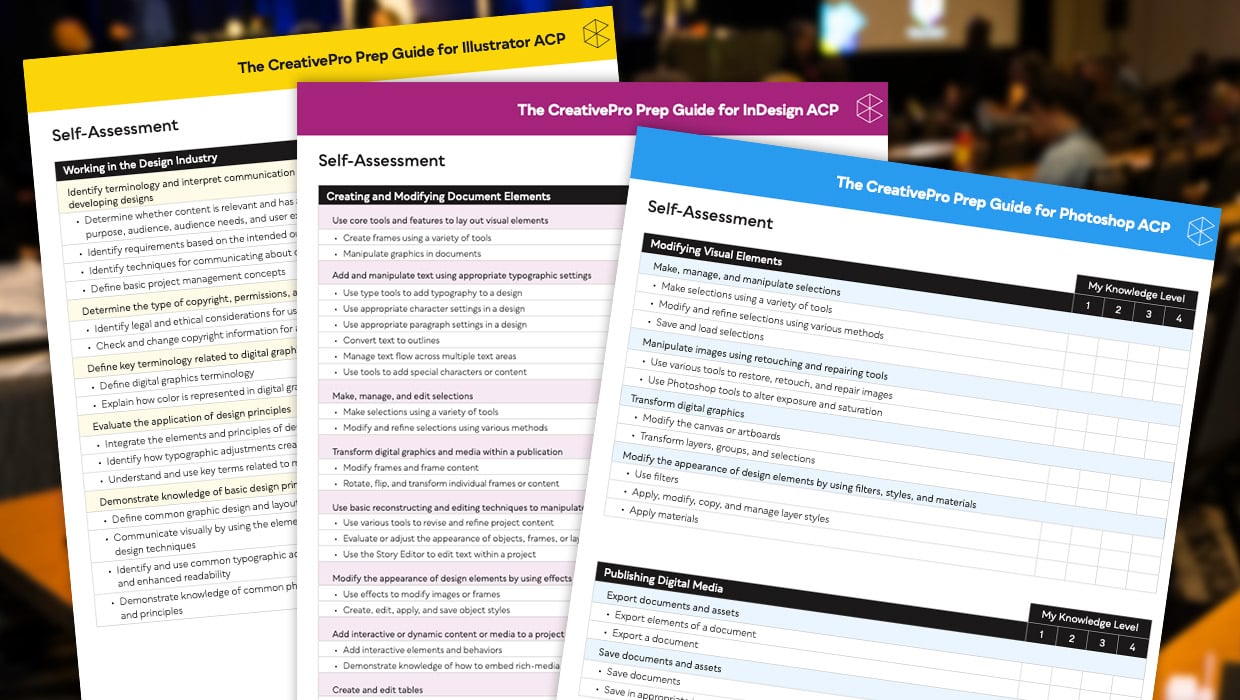
Adobe Certified Professional Exam Prep Guides
Use these self-assessment guides to determine what you should study to pass the...
Interview with Joy Pollard, Designer and Adobe Certified Professional
Learn how roller derby, astronomy, and theater influenced one designer’s journey...
Filtered File > Open Dialog Box
Here's a way to filter file types in your Open File dialog box.