




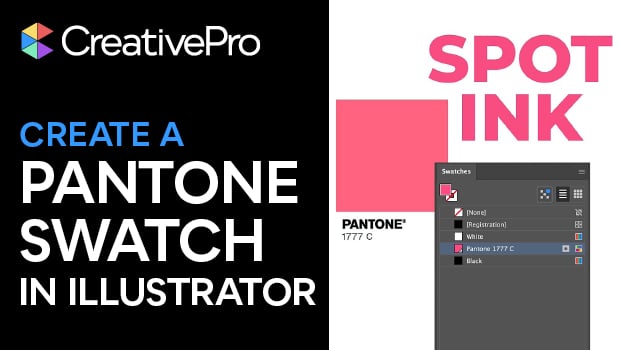
In this week’s CreativePro video, Mike Rankin shows us how easy it is to create a new swatch in Illustrator and replace it in the Swatches panel. If it’s a global color swatch, all items using that color will be updated automatically.
New videos every Tuesday on our CreativePro YouTube channel. Be sure to subscribe so you don’t miss any!
This article was last modified on August 29, 2025
This article was first published on January 29, 2020
Commenting is easier and faster when you're logged in!

Recommended for you
Create a Pantone Swatch in Illustrator
Make your own Pantone Swatch colors in Illustrator with Theresa Jackson.

Livestream Video: Creating 3D Lettering Using Illustrator’s Inflate Tool
Join Khara Plicanic as she shows how to create stunning 3D lettering with Illust...
Generating Vector Patterns in Illustrator
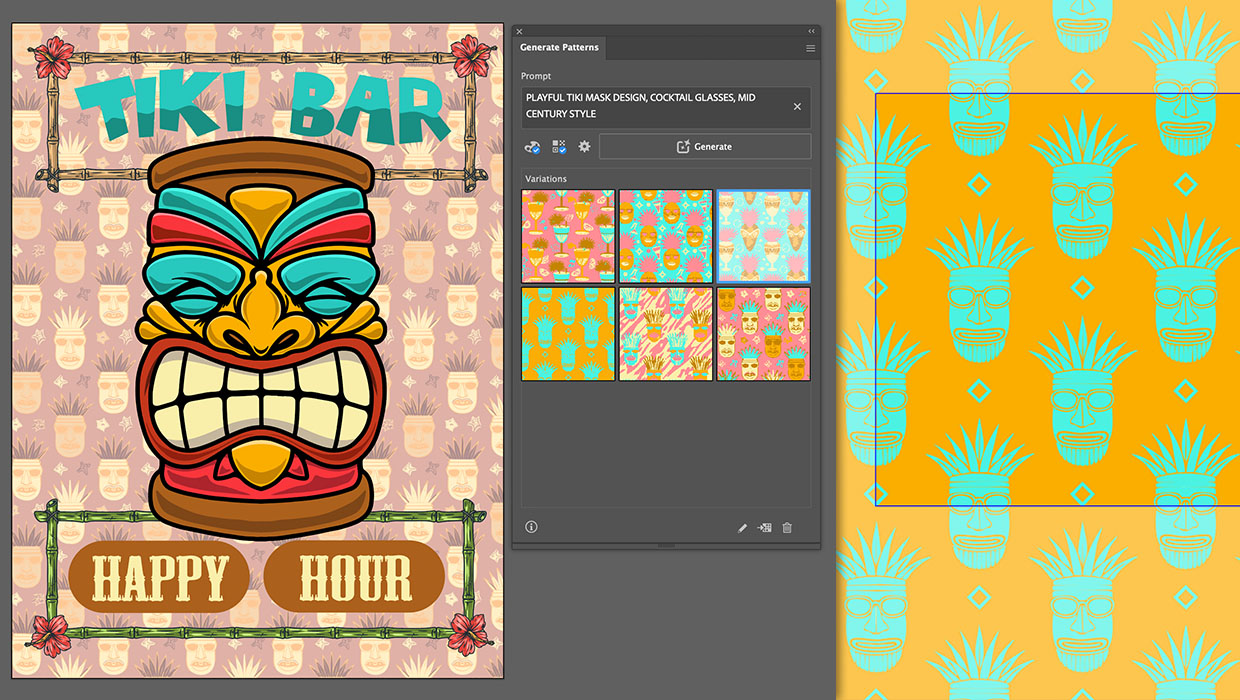
Making patterns from prompts opens up a whole new world of creative possibilitie...