




In this week’s CreativePro video, Mike Rankin shows us how easy it is to create a new swatch in Illustrator and replace it in the Swatches panel. If it’s a global color swatch, all items using that color will be updated automatically.
New videos every Tuesday on our CreativePro YouTube channel. Be sure to subscribe so you don’t miss any!
This article was last modified on August 29, 2025
This article was first published on January 29, 2020
Commenting is easier and faster when you're logged in!

Recommended for you

All About Indents and Other Paragraph Separators
Learn how to choose the right method of paragraph separations to add both readab...

How to Control Point and Area Type in Illustrator
When working in Adobe Illustrator, has your text ever seemed to behave erratical...
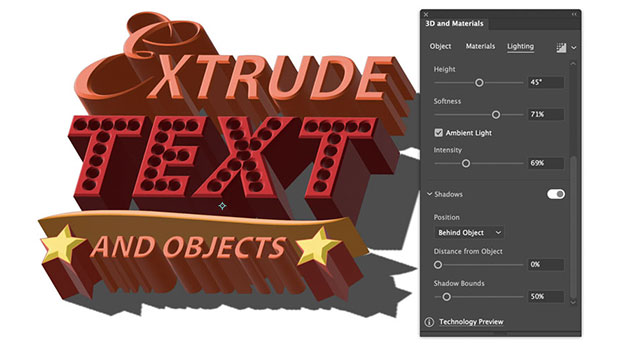
Illustrator 2022 3D Features
Get to know these impressive new tools for turning flat artwork into workable 3D...