




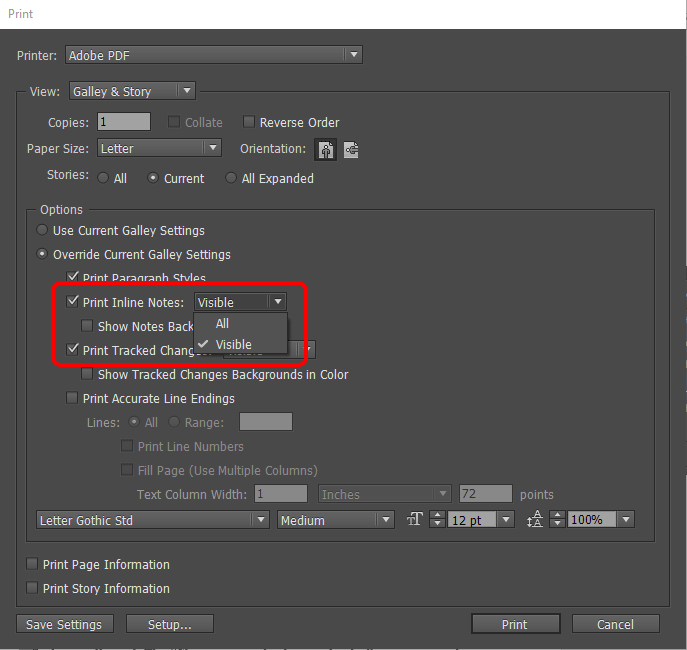
Hi everyone! I just thought I’d share a great article that’s been posted by our sister blog indesignsecrets.com. Guest author Aman Arora shows how InDesign users can also print or export notes and track changes from a document. Those of you InCopy users probably already know how to do this but InDesign doesn’t have this capability at all. So using this great trick provides a way to make it happen that will make both InDesign and InCopy users much much happier. To learn how it’s done, check out the article here.
This article was last modified on July 9, 2020
This article was first published on July 27, 2017
Commenting is easier and faster when you're logged in!

Recommended for you

Q&A with Steve Laskevitch: Rocket Scientist, InDesign Guru, Pizza Snob
Q&A with Steve Laskevitch, who is presenting at The InDesign Conference 2025
Export a Still Image from a Video in Premiere
Export a single frame from a video in Premiere with Myra Ferguson.

How to Export Videos in Different Aspect Ratios from Premiere
Quickly reframe your video for any social media platform with Myra Ferguson.