




In this InDesign how-to video, Mike Rankin shows how to use the Preflight feature in InDesign to flag production notes so they don’t get accidentally included in any output. He also shows how to use the Preflight panel to navigate to any notes left in the document.
Subscribe to the CreativePro YouTube channel for more helpful design tips!
This article was last modified on August 29, 2025
This article was first published on May 15, 2025
Commenting is easier and faster when you're logged in!

Recommended for you

Missing Glyphs
InDesign shows missing glyphs as pink boxes. The script can be used to list all...
How to Edit Photos in a PDF Using Photoshop
Learn how to modify a photo in a PDF with a little help from Photoshop. Once the...
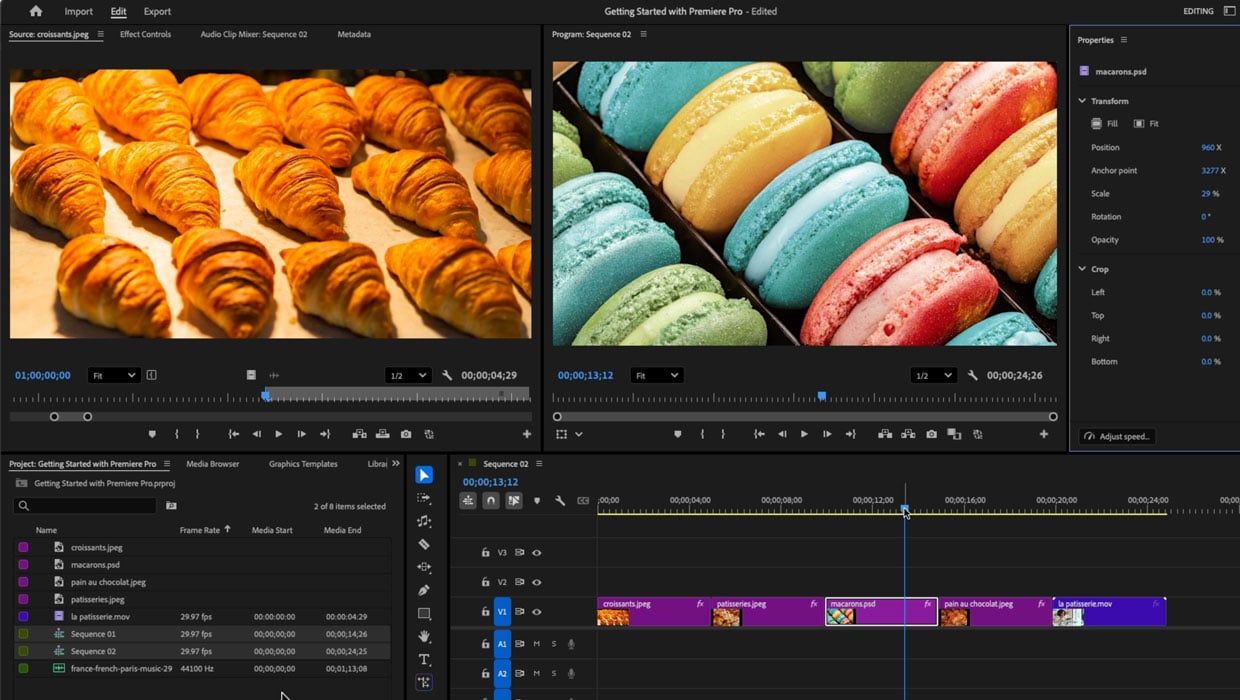
Members-Only Video: Getting Started in Adobe Premiere
Have you ever wanted to build your video-making skills but were intimidated by t...