




This week’s free lynda.com video covers one of the most fundamental topics, which oddly enough also includes some of the most obscure and unknown features in InDesign: the Print dialog box.

The video is from David Blatner’s course, InDesign Insider Training: Preflight and Printing. In it, David takes you step-by-step, checkbox-by-checkbox through the General options in the Print dialog box. Some things are obvious, like the number of copies or sequence of pages. But do you know what those icons above the Range field do?

Or how to tell InDesign to print a range of pages that goes to end of the document, even when you don’t know the last page number?
This video is packed with info like that, so check it out and you’ll be able to pick the perfect print options every time.
This article was last modified on March 5, 2025
This article was first published on March 20, 2015
Commenting is easier and faster when you're logged in!

Recommended for you
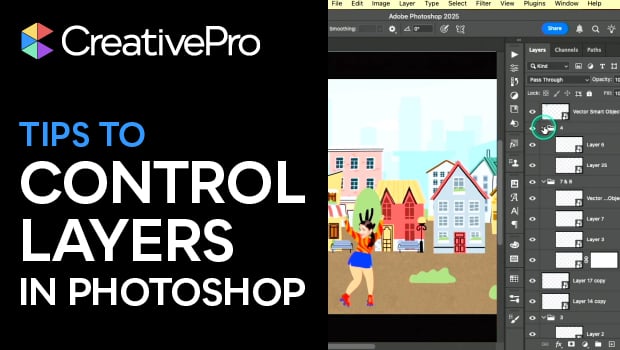
Tips to Control Photoshop Layers
Khara Plicanic shares smart Photoshop Layers panel tips to help you find and man...
Interview with Joy Pollard, Designer and Adobe Certified Professional
Learn how roller derby, astronomy, and theater influenced one designer’s journey...