



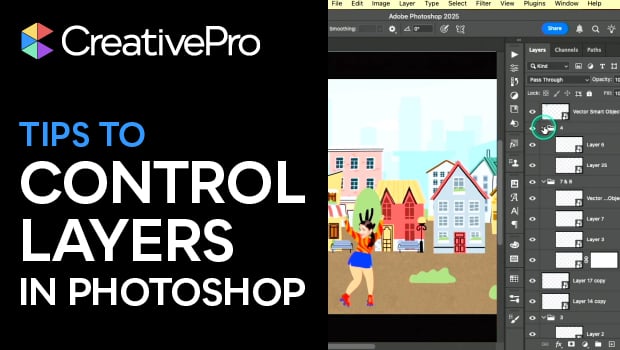
In this Three Minutes Max presentation, Khara Plicanic shares several quick tips for navigating and organizing a crowded Layers panel. She demonstrates how to collapse groups instantly, locate hidden objects with a shortcut, and filter the Layers panel to focus on specific items. Finally, Khara reveals a simple Layers panel setting that makes thumbnails far more useful when working with complex documents.
Three Minutes Max comes from a fun—yet very competitive—session at our annual CreativePro Week conference. Speakers have three minutes to wow the audience with the tip and win a prize for a lucky conference attendee. Click here to find out how to attend this incredible, information-packed week.
Subscribe to the CreativePro YouTube channel for more helpful design tips!
This article was last modified on March 10, 2026
This article was first published on March 10, 2026
Commenting is easier and faster when you're logged in!

Recommended for you
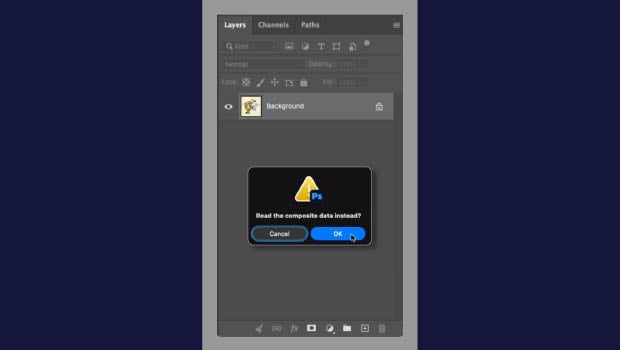
Open a Layered PSD as a Flattened File
Use this keyboard shortcut to skip the wait and open a flattened PSD preview.
Livestream Video: Photoshop Layers Tips & Tricks
Join Khara Plicanic to learn some great tips and tricks for working with layers...

How to Filter and Sort Photoshop Layers
Learn how to easily organize and find your Photoshop layers.