



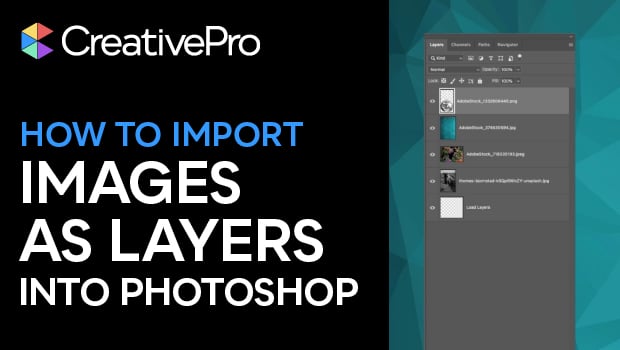
In this quick video, Khara Plicanic shows how to bring multiple image files into a single Photoshop document. Using a built-in script, each image becomes a separate layer within that Photoshop file.
Subscribe to the CreativePro YouTube channel for more helpful design tips!
This article was last modified on December 31, 2025
This article was first published on December 31, 2025
Commenting is easier and faster when you're logged in!

Recommended for you
Automatically Select Layers in Photoshop
Use this trick to select a layer’s content by clicking directly on the canvas, i...
Tips to Control Photoshop Layers
Khara Plicanic shares smart Photoshop Layers panel tips to help you find and man...

Livestream Video: How to Design a Photo Book in InDesign
Watch Khara Plicanic demonstrate how to design a beautiful a photo book in InDes...