


InDesign Template: Booklet
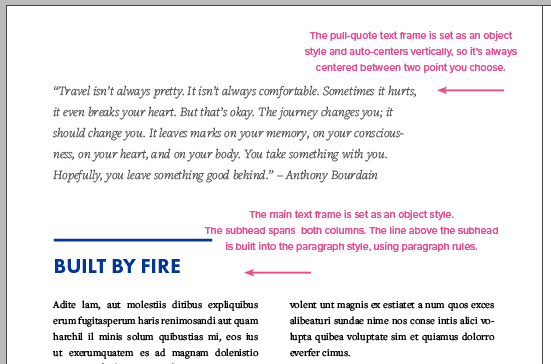
This letter-sized template comes with 24 pages, controlled by 6 master page designs, with additional page elements you can use to create custom designs for both print and digital projects.
Templates are an exclusive benefit for CreativePro members! (Not a member yet? Join us and get $10 off with the discount code: TEMPLATE)
This template is for a booklet.
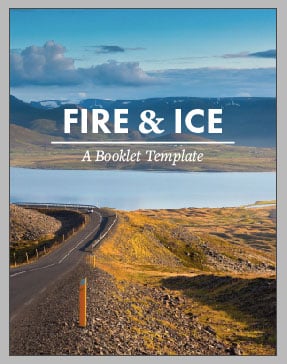

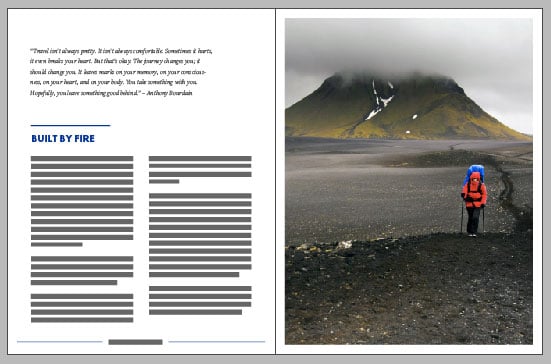
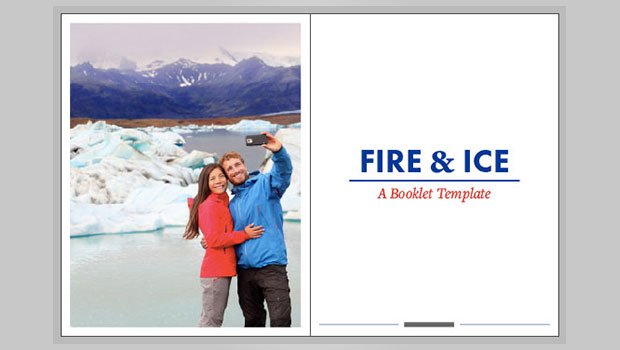
The template is in letter format (8.5″ × 11″), and it comes with 24 pages, controlled by 6 master page designs, with additional page elements you can use to create custom designs for both print and digital projects.
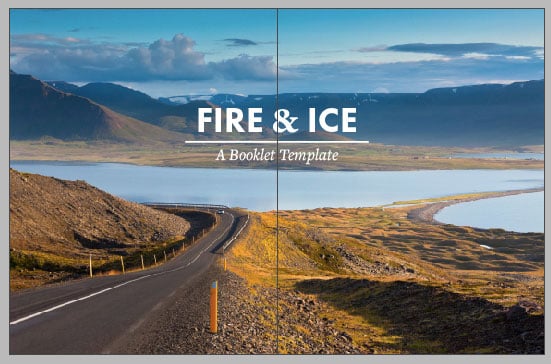
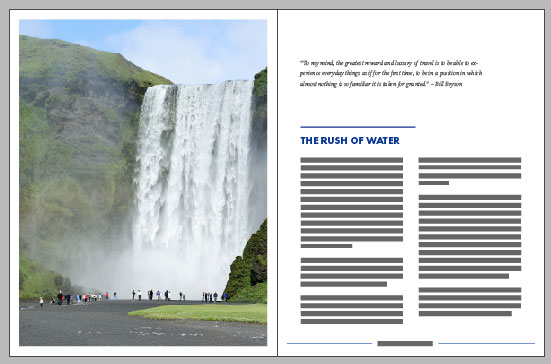
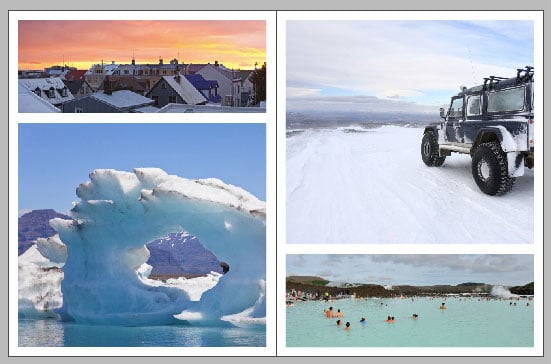
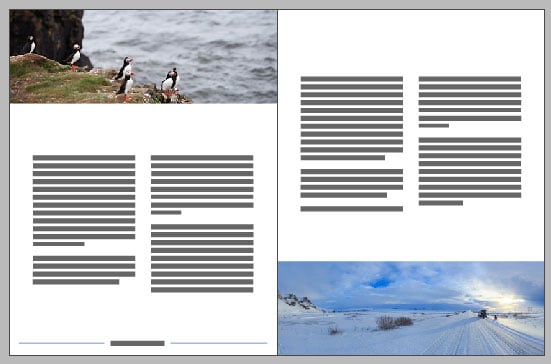

The fonts used are all available to sync from Typekit, or you can redefine the text styles to use your own fonts. And everything is formatted with all the necessary text and object styles.
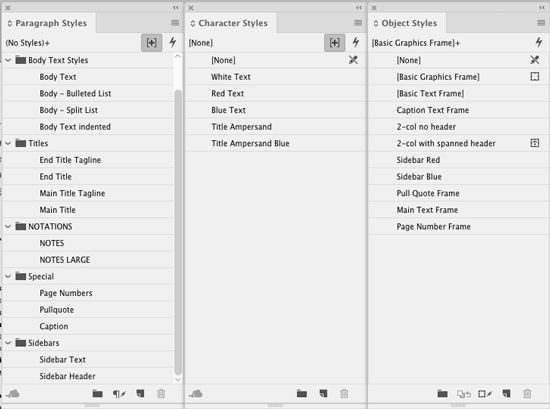
Page elements are also annotated with instructions on a separate Notes layer.
Commenting is easier and faster when you're logged in!

Recommended for you

New Type Walking Tours for 2006
The walking tour of typographic London, introduced by Typevents in the autumn of...

Supercharge Your Workflow
Erica Gamet shares a bunch of add-ons that can help you get your work done faste...
Design How-to: Endless Pattern Possibilities
This story is taken from “Before & After” Magazine. You can subs...