


InDesign Template: Booklet
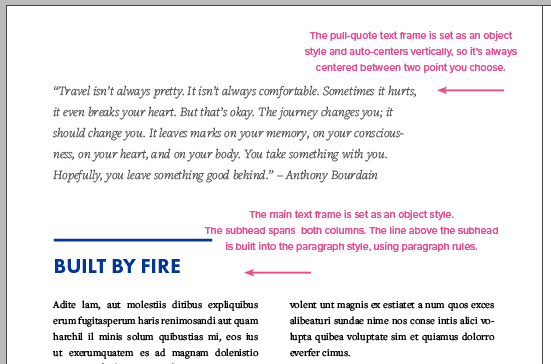
This letter-sized template comes with 24 pages, controlled by 6 master page designs, with additional page elements you can use to create custom designs for both print and digital projects.
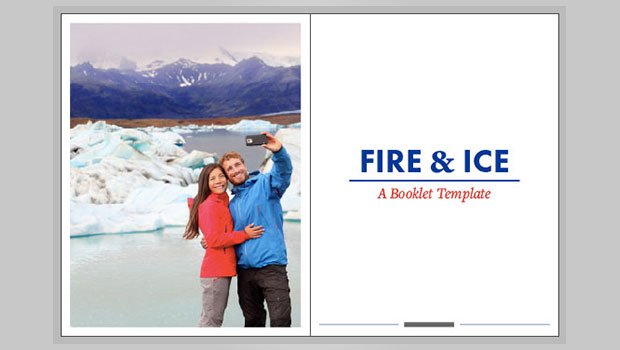
This template is for a booklet.
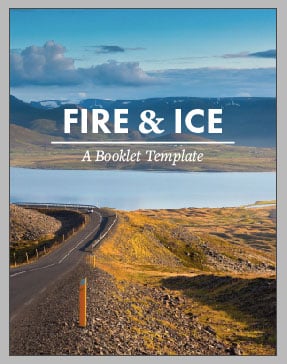

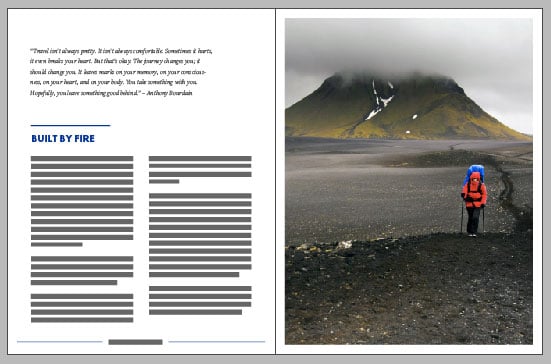
The template is in letter format (8.5″ × 11″), and it comes with 24 pages, controlled by 6 master page designs, with additional page elements you can use to create custom designs for both print and digital projects.
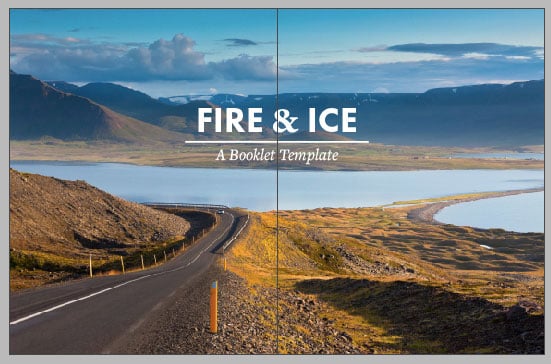
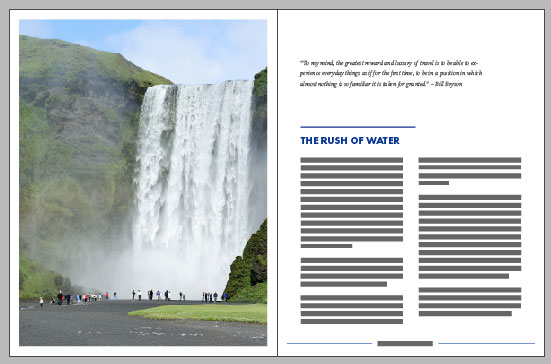
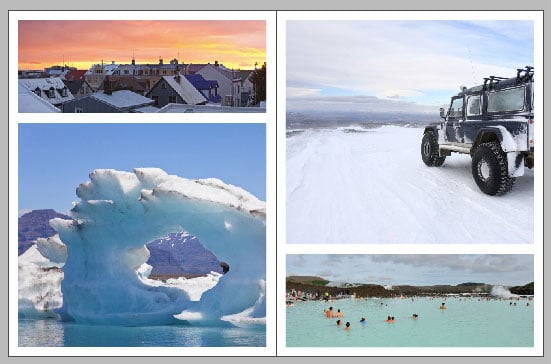
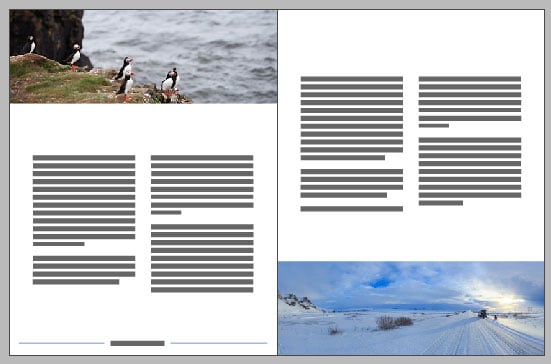

The fonts used are all available to sync from Typekit, or you can redefine the text styles to use your own fonts. And everything is formatted with all the necessary text and object styles.
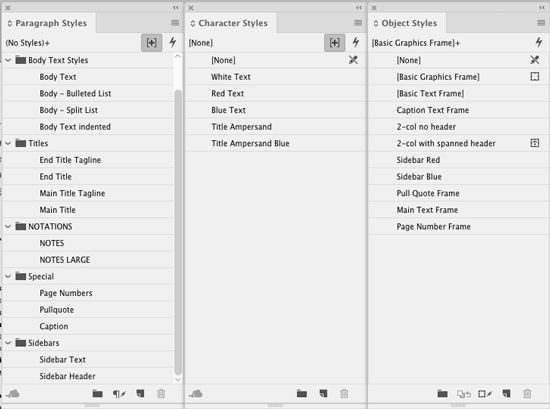
Page elements are also annotated with instructions on a separate Notes layer.
Commenting is easier and faster when you're logged in!

Recommended for you
Illustrator’s Two Kinds of Type
Khara Plicanic explains the two kinds of type in Illustrator.
Convert to Outlines in InDesign and Keep Your Editable Text
Khara Plicanic creates text outlines and keeps an editable copy with one click!
Livestream Video: CC Libraries: A Crash Course
Are you using CC Libraries? Tune in to find out why you should be!