


Photoshop Downloadable: Lens Flare Effects
Add drama and impact to your photos with these lighting effects generated with Adobe Firefly

This article appears in Issue 34 of CreativePro Magazine.
Tired of using standard Photoshop lens flares for adding a bit of drama to your images? Then this downloadable resource is just the thing you were looking for. This special set of Adobe Firefly generated flares and lights come in different shapes and colors, making them the perfect addition to your Photoshop projects.
To use them, simply import an image into your Photoshop project and change its blending mode to Screen to get rid of the black background. Then use Curves or Color Balance to change its contrast and color tint.

Commenting is easier and faster when you're logged in!

Recommended for you

Making Illustrative Effects in Photoshop
Combine illustration and photography to create an intriguing image. Drawing skil...

Paper Cut Out FX
With just a few clicks with the Pen tool in InDessign you can create this fun ef...
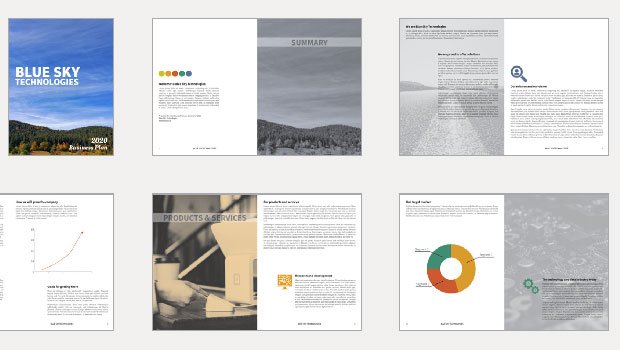
InDesign Template: Business Plan
Includes the template in INDD and IDML formats in letter size, plus instructions...