




Sure, you already know how to use Photoshop’s crop tool to remove the edges of a photograph. And you probably know how to use it to straighten an image. But did you know that the crop tool can temporarily hide portions of an image that you can later restore?
Watch and learn! For the full-size video, go to YouTube.
This article was last modified on December 17, 2022
This article was first published on October 29, 2009
Commenting is easier and faster when you're logged in!

Recommended for you

Which Photoshop Content-Aware Feature Should You Use?
In Photoshop, content-aware features make automatic edits such as seamlessly ble...
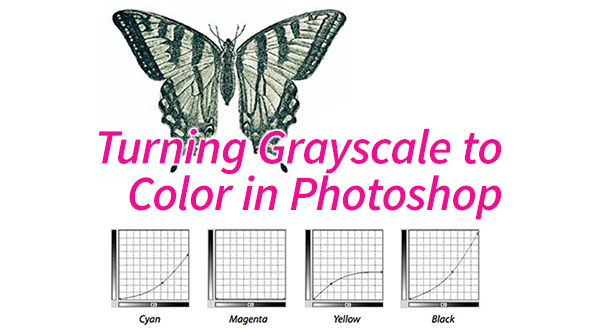
Turning Grayscale to Color in Photoshop
When it comes to creating multitone images, it’s common to think of using the Du...

Illustrator Basics: Using the Magic Wand Tool
Use the Magic Wand tool to select similar objects with just one click!