




This script is part of the Indexes and Concordances collection. See the full collection here. For more information about working with indexes and concordances in InDesign, see here.
Cross-references are printed in the order in which they were added to the document. If you add to a topic a cross-reference to the topic Python, and later, at the same topic, create a cross-reference to the topic JavaScript, you end up with See also Python; See also JavaScript. This can be fixed with a script.
This script is useful only in single-document texts, and it just sorts a topic’s cross-references. For books and additional cross-reference handling, see the next section.
Peter Kahrel Script Repository
Hosted as a community service, and with deep appreciation, by CreativePro.com
Scripts by Topic | Script Index
Basic Script Installation and Use
How to Modify or Configure These Scripts
Resources for Scripting and Publishing Automation
About This Repository
Contact Peter Kahrel
Note to users: You run scripts at your own risk: CreativePro and the author accept no liability for anything that may be caused by any of these scripts. Always take the necessary precautions. We encourage you to save backups and test scripts on copies of your documents.
This article was last modified on September 30, 2026
This article was first published on September 10, 2026
Commenting is easier and faster when you're logged in!

Recommended for you

Fixing a Slightly Flawed Font With GREP
Automatically apply kerning via GREP styles to improve the appearance of type se...
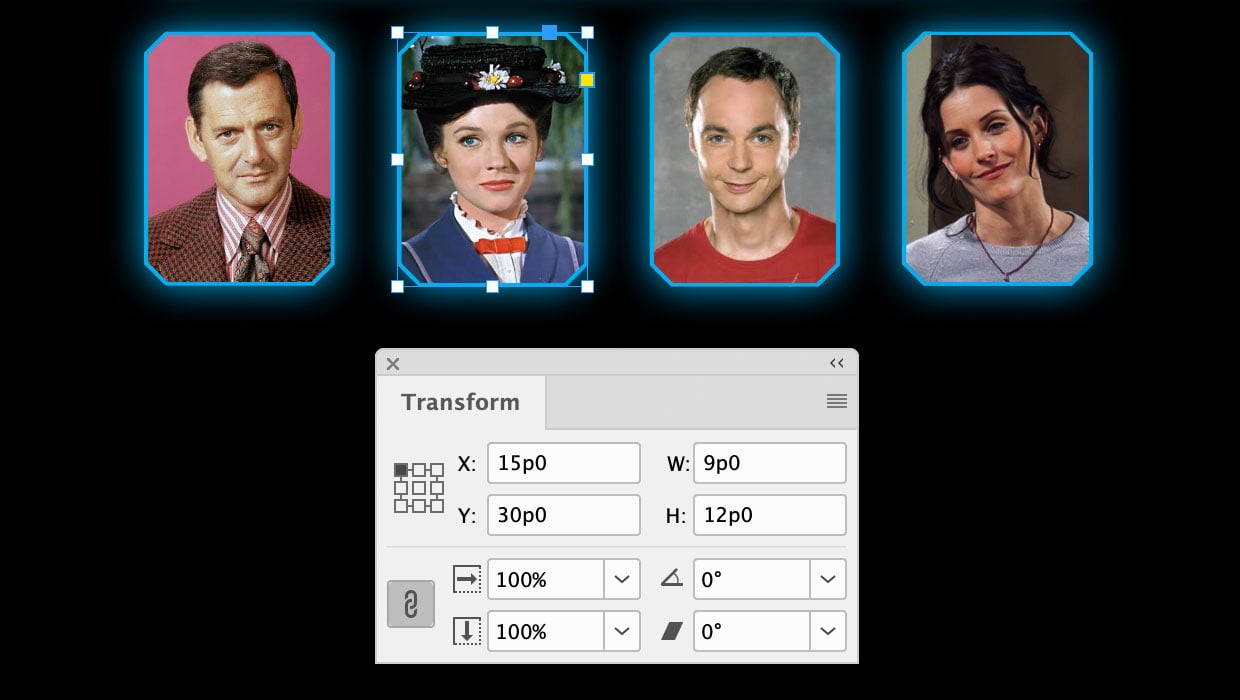
A Script to Round off Size and Position Values in InDesign
Instantly clean up "messy" values by rounding them off to the nearest whole poin...

Scripted Document Differencing
Using the Difference blend mode to compare InDesign Documents was powerful, but...