




A while back I posted a tip about using the Difference blend mode to compare documents. This method can reveal even the most subtle differences at a glance, but it is rather labor intensive…until now. Kasyan Servetsky, the InDesign scripter who took Find-Change scripting to a new level, has created a script to automate document differencing. It’s called Compare Two Documents, and it takes most of the time and effort out of visual differencing.
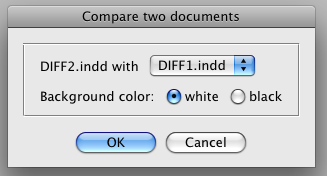
The script places all the pages from two documents you choose into a new third document and applies the Difference blend mode. You also get to choose whether differences show up against a white or black background.
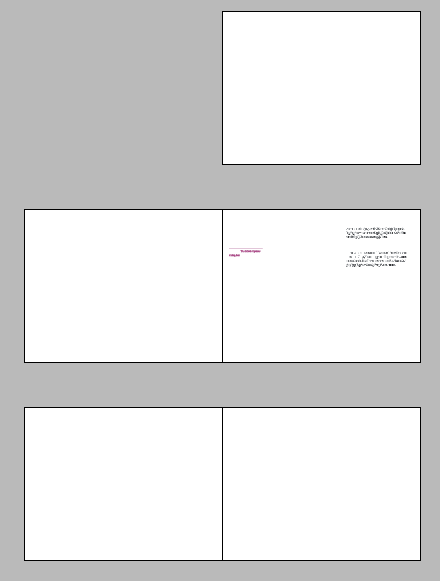
Once it’s done, the differences have nowhere to hide.
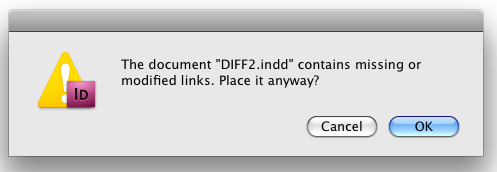
One tip: make sure your links are up to date before you run the script, since InDesign will ask you if it’s OK to place each page with missing or modified links.
Thanks for another great script, Kasyan!
This article was last modified on August 4, 2026
This article was first published on October 23, 2009
Commenting is easier and faster when you're logged in!

Recommended for you

Sort Cross References
Cross-references are printed in the order in which they were added to the docume...
Fix Cross Reference Types
When you do a lot of editing in a document and its index markers, the cross-refe...
A Script to Round off Size and Position Values in InDesign
Instantly clean up "messy" values by rounding them off to the nearest whole poin...