


InDesign How-To: Can Tricky Baselines Align? Yes!


Many layouts mix type point sizes and leadings, plus they include sidebars and captions in different point sizes than the mainbar text. With all those variables, it’s hard to align column baselines, especially because you can specify only one document grid in InDesign’s preferences. But CS2’s frame grid feature lets you use multiple baseline grids on your page. This article by InDesign expert Tim Cole shows you how to use frame grids.

I want to set the text in this spread on two baseline grids — one for the main body copy, one for the marginal material — and I want the baselines to align. Frame grids to the rescue!
We’ve posted this article as a PDF file. To open the PDF file in your Web browser, click “Framed.” You can also download the PDF to your machine for later viewing.
To learn how to configure your browser for viewing PDF files, see the Adobe Reader tech support page.
Copyright © 2006 Tim Cole. Used with permission of Adobe Evangelists.
This article was last modified on January 10, 2022
This article was first published on August 9, 2006
Commenting is easier and faster when you're logged in!

Recommended for you
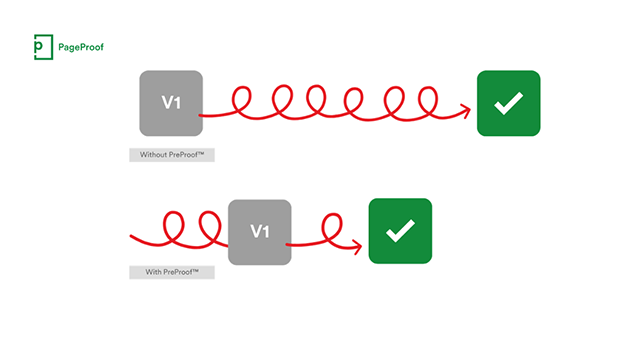
PageProof unveils PreProof™, giving creative teams better first proofs and fewer review rounds
PageProof’s new PreProof™ capability helps designers catch spelling, brand, and...

Closed Captioning in Premiere
Add captions to your Premiere video to ensure everyone benefits from its audio t...
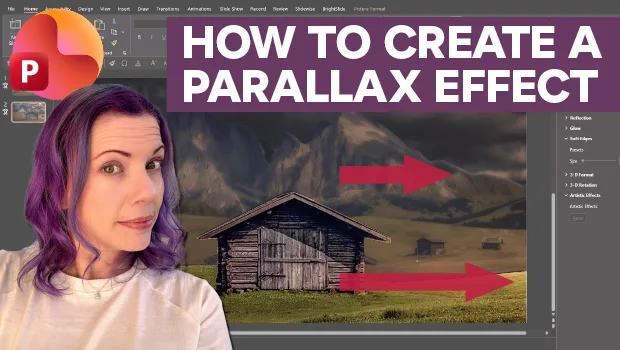
Create Parallax Transitions in PowerPoint
Create dramatic 3D scenes with Stephy Hogan using Morph.