



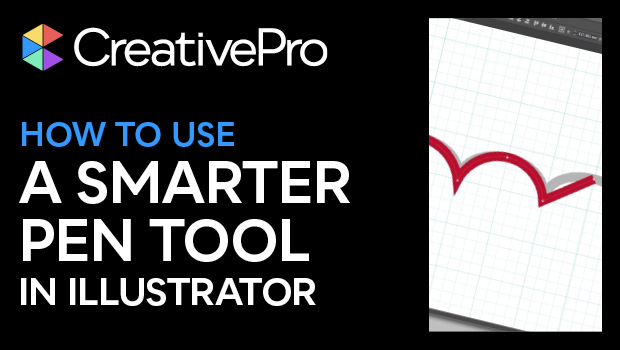
In this Illustrator video, Tony Harmer shows off a better way to draw designs with curves. Instead of hobbling along with the Pen tool, he demonstrates how the Curvature Pen tool creates perfect curves between points. And the paths are just as editable, no matter which tool was used to create them.
This tutorial was taken from Tony’s “Illustrator Power Tips” session at our 2021 Adobe Illustrator Summit.
This article was last modified on August 29, 2025
This article was first published on January 20, 2022
Commenting is easier and faster when you're logged in!

Recommended for you

How to Apply Custom Graph Marker Designs in Illustrator
Adding attractive (and legible) custom markers to graphs in Illustrator isn’t ha...
Create a Custom Toolbar in Illustrator
As someone who uses InDesign more than any other application, I am envious of Il...

Three Ways to Make a Heart in Illustrator
Learn how to create a heart shape in Illustrator three different ways, using str...