



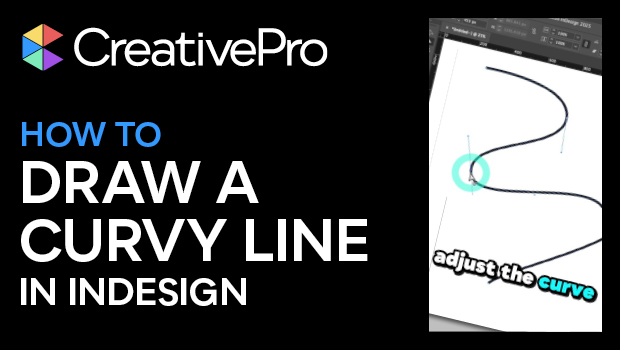
In this quick InDesign video, Khara Plicanic shows how to create a curved line, using the Pen tool. She shows how to create points, adjust the curvature handles, and make adjustments with the Direct Selection tool. Lastly, Khara turns on the grid to easily create a symmetrical curved line.
Subscribe to the CreativePro YouTube channel for more helpful design tips!
This article was last modified on August 29, 2025
This article was first published on May 29, 2025
Commenting is easier and faster when you're logged in!

Recommended for you

Why is the Effects Panel Grayed Out?
Have you ever tried to apply effects to a text frame, but the whole Effects pane...


Holiday FX: Do You Want to Build An InDesign Snowman?
Do you want to build a snowman? Come on let’s go and play! I know that thi...