



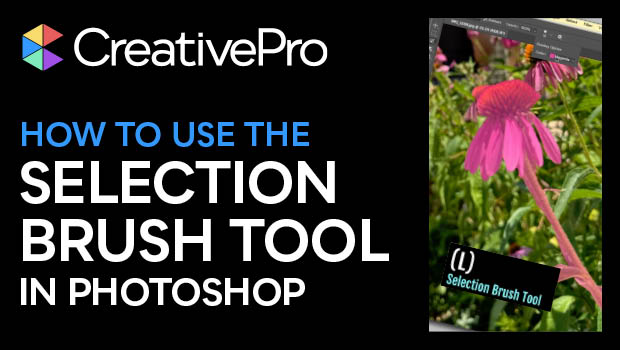
In this Photoshop how-to video, Khara Plicanic shows off the new Selection Brush tool. She demos how to use this tool to further refine a selection made by one of the quick selection tools—such as the Object Selection tool. Once selected, Khara gives a few tips on how to make the most of this new tool.
Subscribe to the CreativePro YouTube channel for more helpful design tips!
This article was last modified on August 29, 2025
This article was first published on October 8, 2024
Commenting is easier and faster when you're logged in!

Recommended for you

How to Adjust Colors Using Photoshop’s Contextual Task Bar
Learn how to use the Photoshop Adjust Colors feature to make quick, non-destruct...
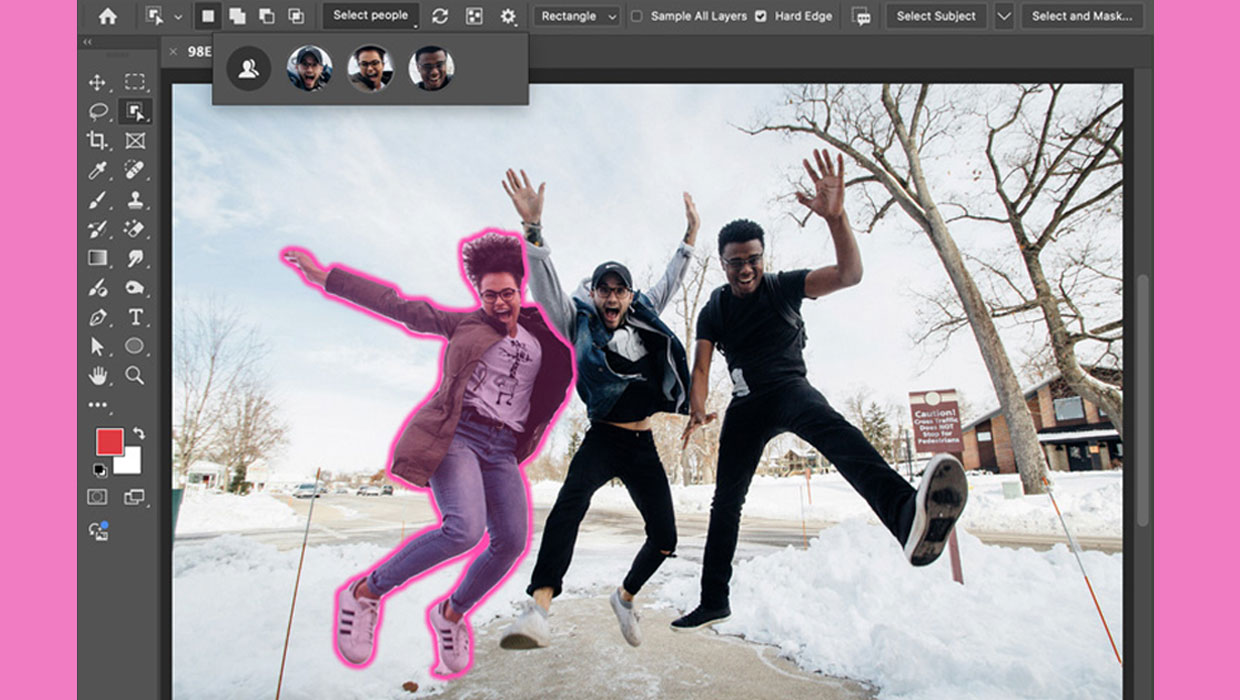
New Features in Photoshop 2025
New features in Photoshop 2025 including powerful new ways to select, mask, and...
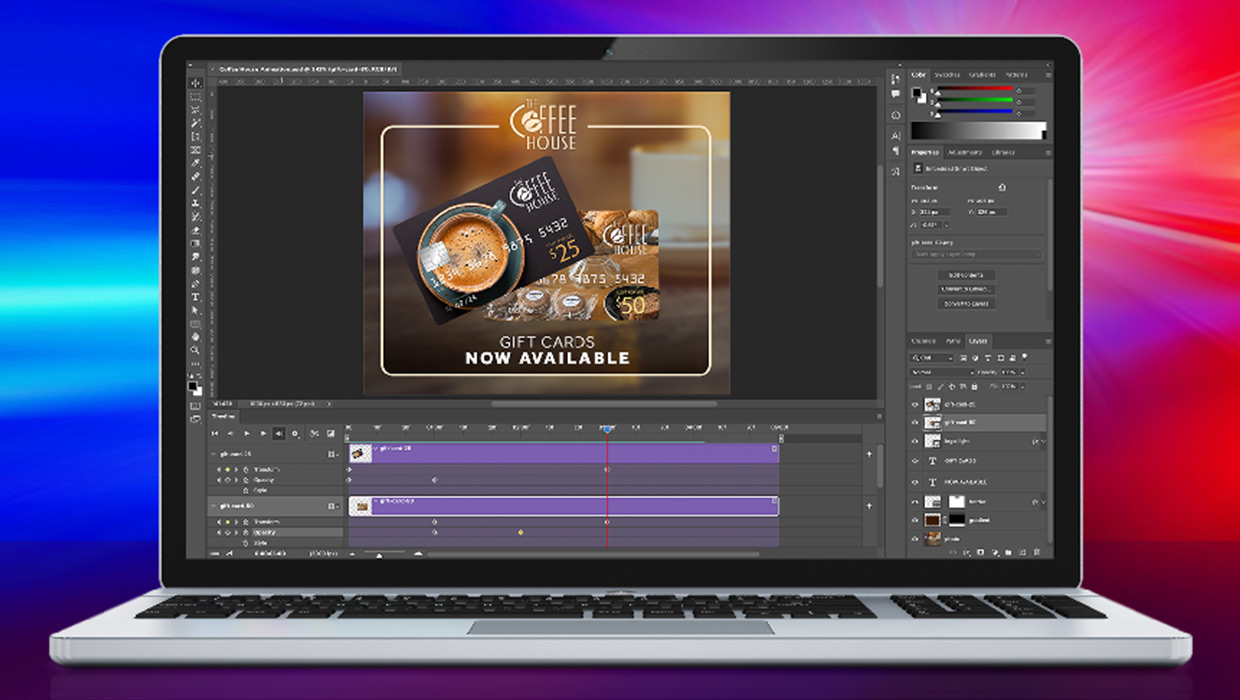
Compositing Video in Photoshop
Tips for using masks, blend modes, filters, and more with video in Photoshop.