




In this Photoshop how-to video, Steve Caplin shows how easy it is to select and manipulate individual components in a landscape photo. The built-in selection tools makes it a snap to mask and adjust the sky, mountains, vegetation, and any architecture separately for amazing results.
Subscribe to the CreativePro YouTube channel for more helpful design tips!
This article was last modified on August 29, 2025
This article was first published on May 26, 2025
Commenting is easier and faster when you're logged in!

Recommended for you

How to Adjust Colors Using Photoshop’s Contextual Task Bar
Learn how to use the Photoshop Adjust Colors feature to make quick, non-destruct...
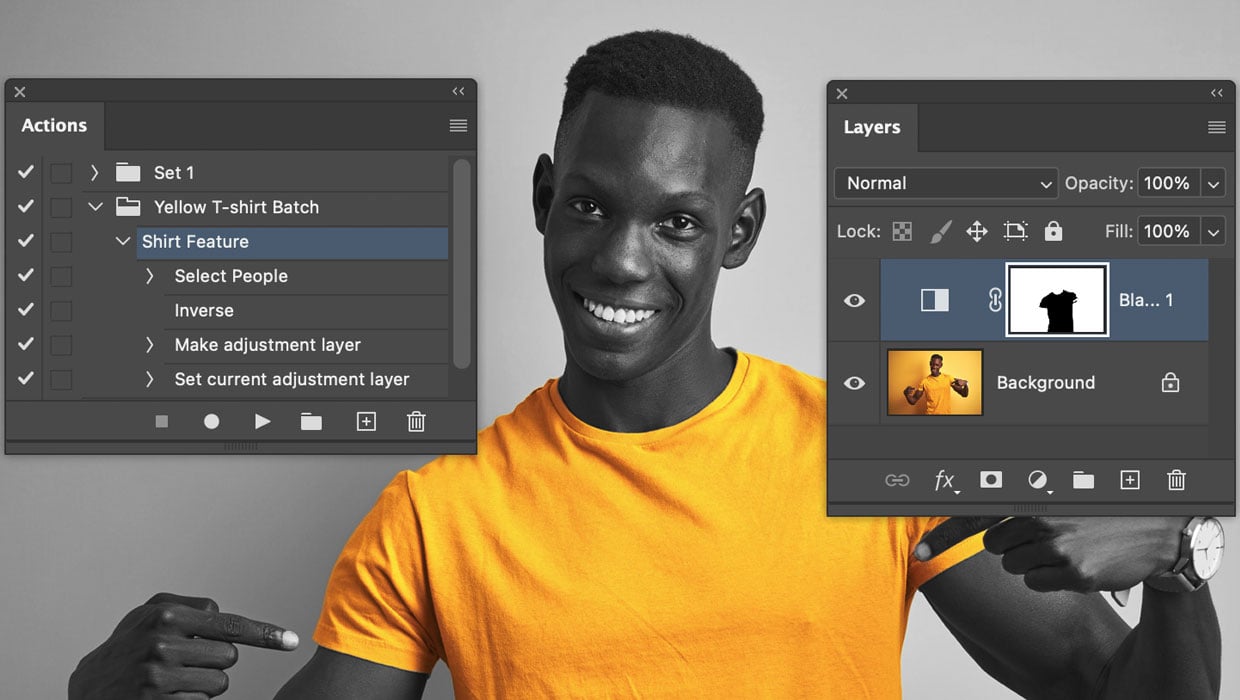
Batch Processing Images with AI-Powered Actions in Photoshop
Here’s how to automate edits in Photoshop by combining the Object Selectio...
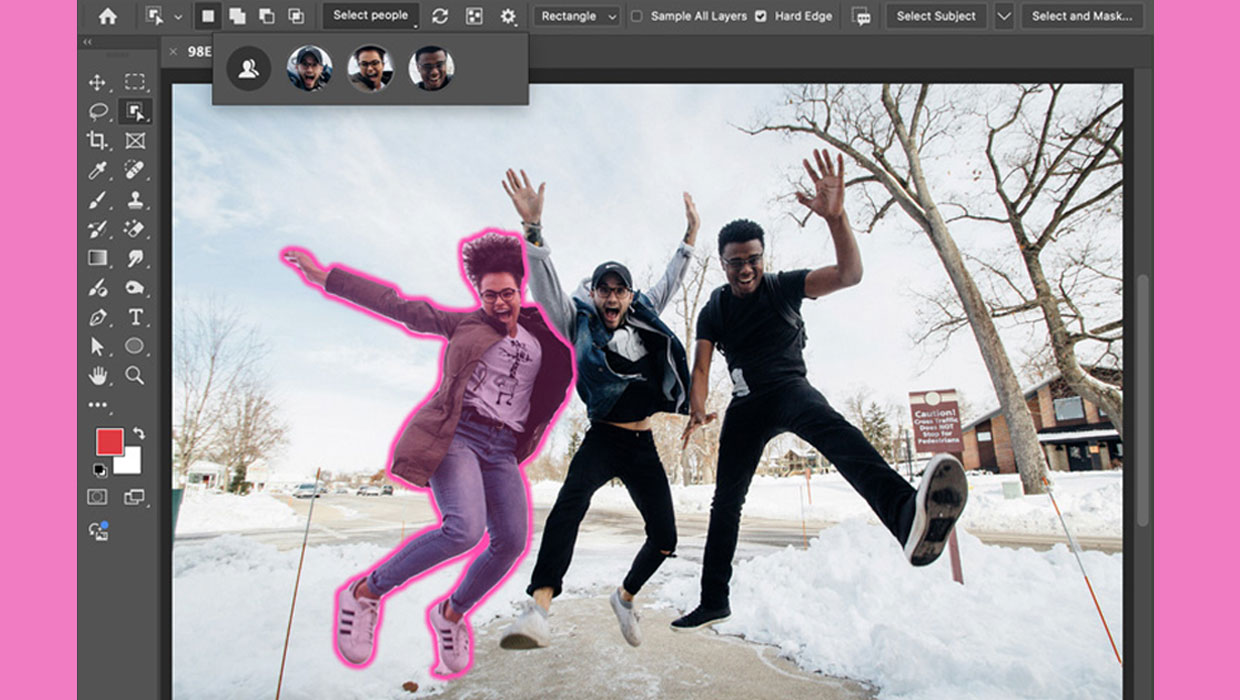
New Features in Photoshop 2025
New features in Photoshop 2025 including powerful new ways to select, mask, and...