



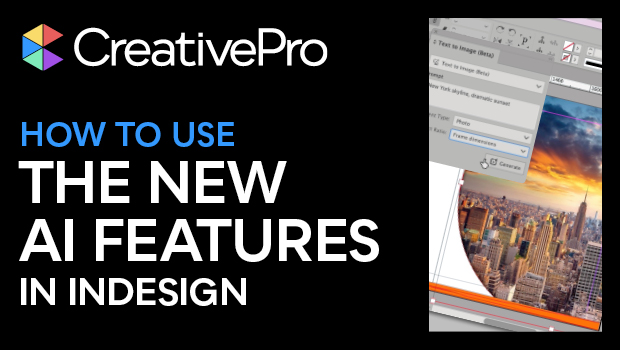
In this Design + AI Summit sneak peek, Angelo Montilla shows off the latest AI features introduced into InDesign. He first demos how to create an image using text-to-image prompts to fill a custom graphics frame with a photographic image. Angelo then extends another image to fit his design using InDesign’s Generative Expand.
This sneak peek video is a preview of Angelo’s “Adobe InDesign and AI” session at our upcoming Design + AI Summit. See the agenda and register now!
Subscribe to the CreativePro YouTube channel for more helpful design tips!
This article was last modified on February 20, 2026
This article was first published on October 11, 2024
Commenting is easier and faster when you're logged in!

Recommended for you
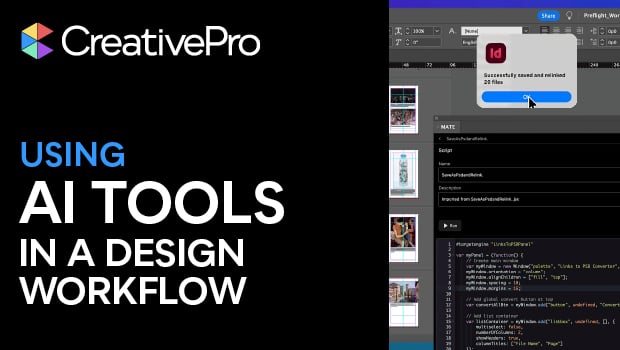
Using AI Tools in a Design Workflow
Amybeth Menendez demonstrates how ChatGPT and OMATA MATE can work together to au...
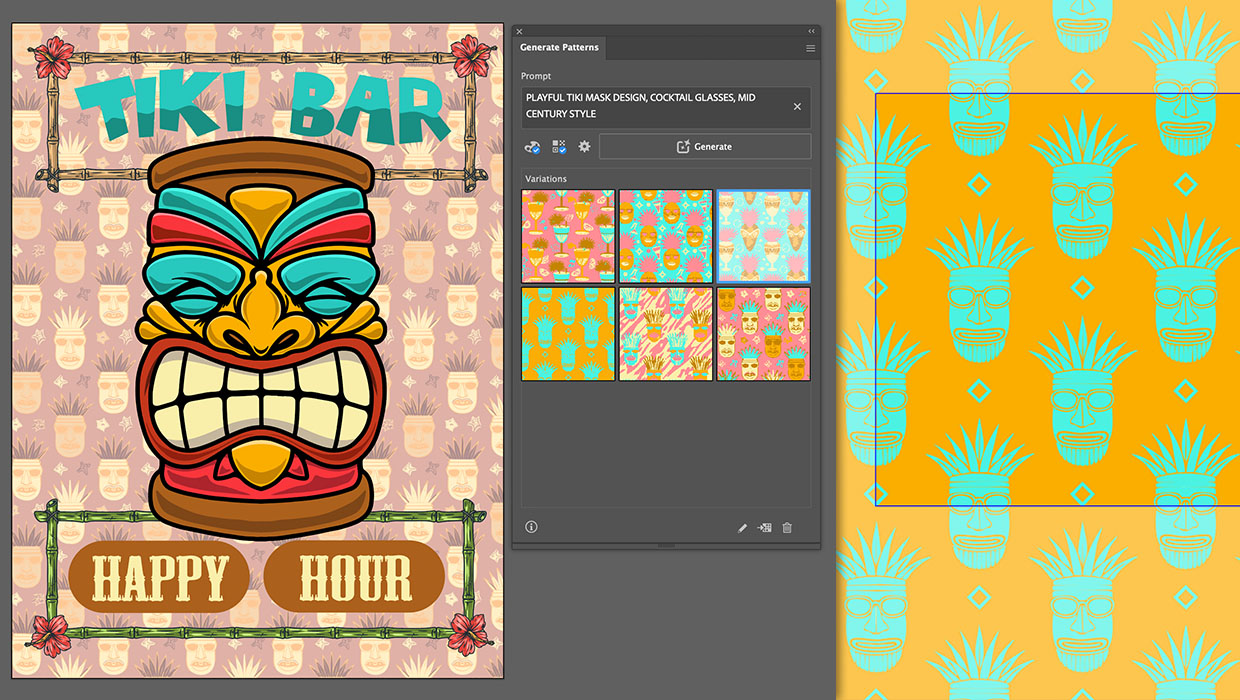
Generating Vector Patterns in Illustrator
Making patterns from prompts opens up a whole new world of creative possibilitie...

10 Ways AI Can Help Designers
Behind the scenes, AI can dramatically reduce non-creative time sinks and grunt...