




In this CreativePro Week Sneak Peek video, Jeff Carlson talks about AI, or machine learning. He demos Photoshop using AI to intelligently find and isolate individual objects in a photo. He then moves over to InDesign and crops an image using Content Aware Fit.
This is a sneak peek from Jeff’s session at CreativePro Week 2022 in Washington, D.C. May 9-13.
This article was last modified on August 29, 2025
This article was first published on April 18, 2022
Commenting is easier and faster when you're logged in!

Recommended for you
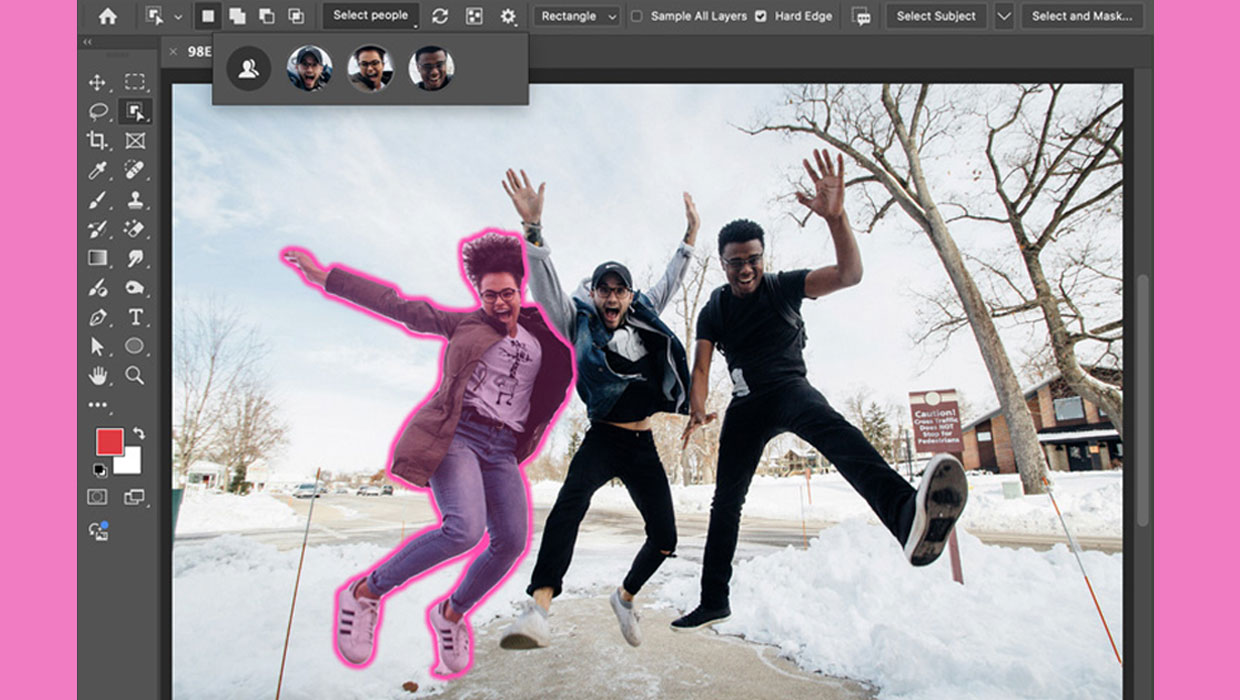
New Features in Photoshop 2025
New features in Photoshop 2025 including powerful new ways to select, mask, and...
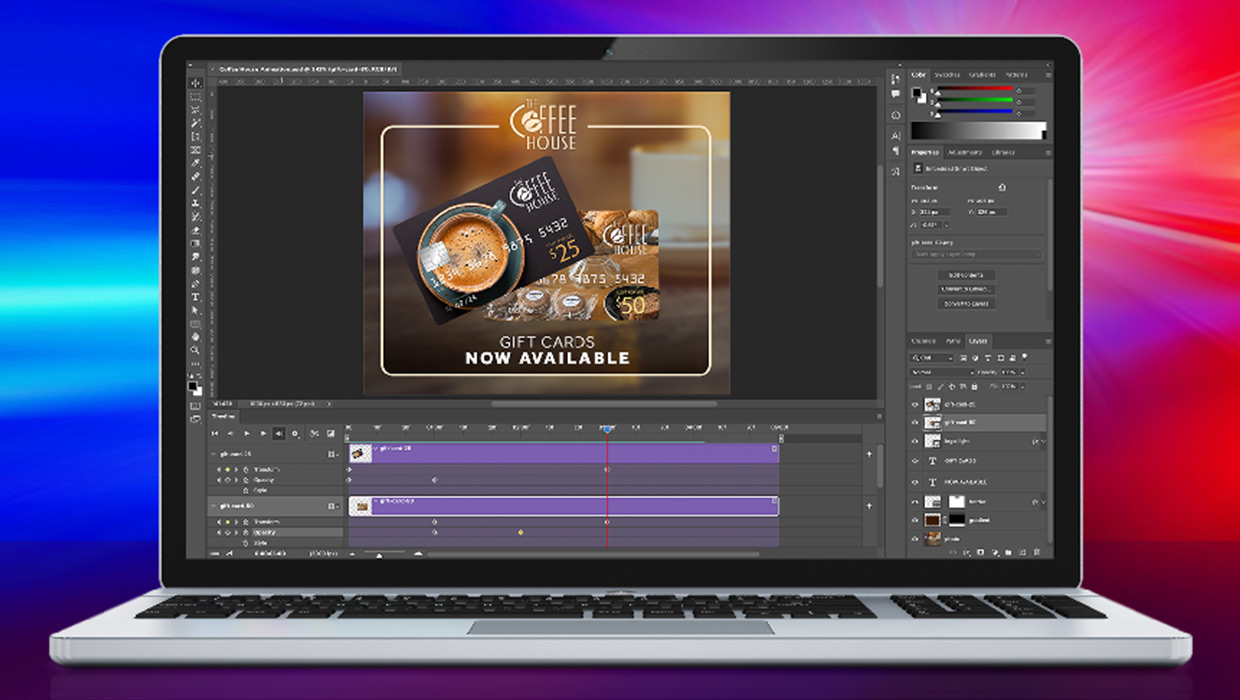
Compositing Video in Photoshop
Tips for using masks, blend modes, filters, and more with video in Photoshop.

How to Adjust Colors Using Photoshop’s Contextual Task Bar
Learn how to use the Photoshop Adjust Colors feature to make quick, non-destruct...