



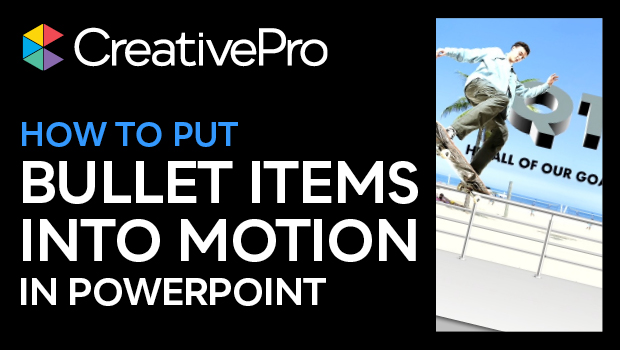
In this InDesign how-to video, Jole Simmons shows how to take a boring bulleted list and make it move! He uses stylized text for each bullet point, a graphic background, and PowerPoint’s Morph transition to pull it all together. Who says bullet list items need to be boring? Not “Presentation Guy” Jole!
This video is an excerpt from Jole’s “Wow ’Em With PowerPoint” session at CreativePro Week 2023. To find out how to attend this incredible, information-packed week, check out CreativeProWeek.com.
Subscribe to the CreativePro YouTube channel for more helpful design tips!
This article was last modified on August 29, 2025
This article was first published on August 10, 2023
Commenting is easier and faster when you're logged in!

Recommended for you

How to Create Attention-Grabbing Agenda Slides for Presentations
Do your agenda slides need a makeover? Jody Wissing's step-by-step approach will...

Five Super Slide Makeover Techniques
Team up with the “Fantastic Five” to become a presentation design superhero.
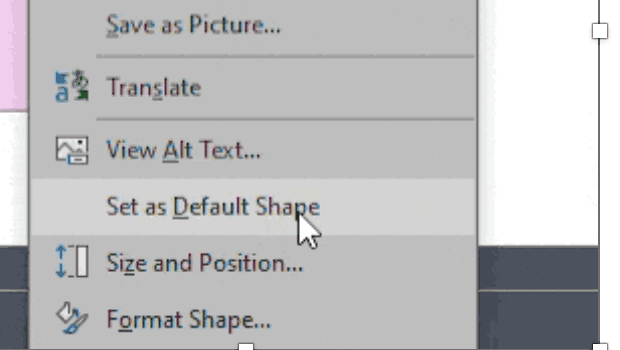
How to Set Default Shapes, Lines, and Text Box Styles in PowerPoint
One way to make working in PowerPoint smoother is to set default shapes, lines,...