



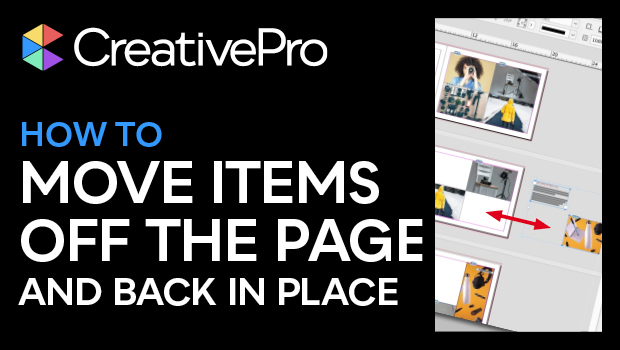
In this InDesign how-to video, Erica Gamet demonstrates a free script that moves items out onto the pasteboard. You can select individual items or move everything, which comes in handy when you are trying out different layout ideas or if an item is blocking another and you quickly need to move it. The best part of the script is that you can also click an item that’s been moved to the pasteboard and the script will put it back where it belongs on the page.
You can read about the script and download it from this CreativePro article.
This video is an excerpt from Erica’s “Essential InDesign Scripts” session at CreativePro Week 2021.
Subscribe to the CreativePro YouTube channel for more helpful design tips!
This article was last modified on August 29, 2025
This article was first published on September 18, 2023
Commenting is easier and faster when you're logged in!

Recommended for you

Changing the Size of the Pasteboard
JB wrote: Is there a way to adjust the size of the pasteboard (horizontally)? Su...

Smarter PDF Export
InDesign's PDF export doesn't remember which name, path, and preset you used for...

Tip of the Week: Showing Hidden Panels
Sign up for the InDesign tip of the week to get a new tip, roundups of new artic...