



Ever wish you could quickly slide some selected items (or everything) on a page out to the Pasteboard? Frédéric Robin wrote a script to do just that. And it also slides the items back onto the page at their original locations when you run the script again.
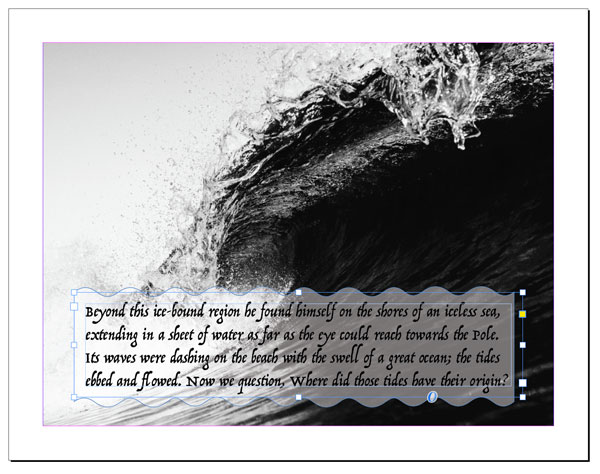
Before running the script

After running the script, the selected item is moved to the pasteboard.

Run the script again to put the item back where it started.
Simple, quick, and easy. You can read about the script and download it here.
Need help installing a script? Read this post.
This article was last modified on June 3, 2025
This article was first published on March 28, 2019
Commenting is easier and faster when you're logged in!

Recommended for you
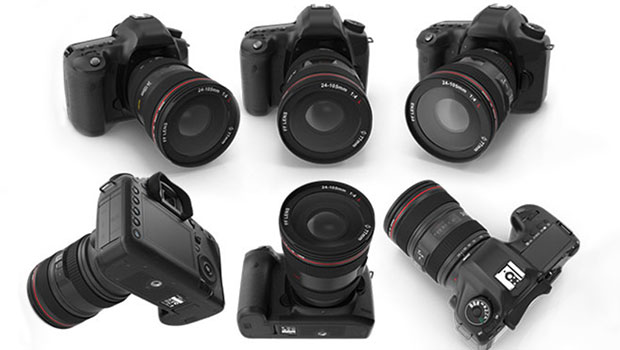
InReview: PixelSquid
PixelSquid is a service that takes stock art to a new level, offering a vast lib...

Poll Results: When was the last time you exported to SWF?
The results of our poll asking if you still use Flash (SWF) and a new poll on wh...
Now available: JavaScript for InDesign, 2nd Edition
Learn how to harness the power of scripting in InDesign. And take advantage of a...