



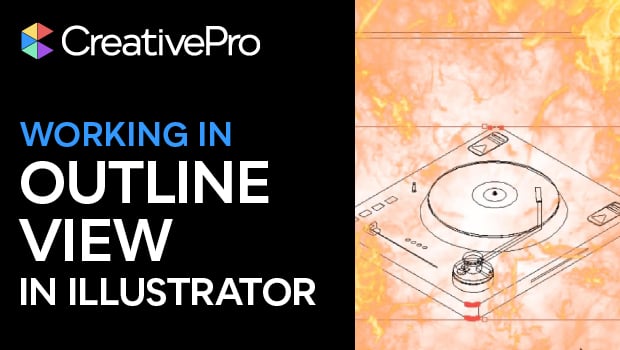
In this short video, Khara Plicanic shows you how to “X-ray” your artwork with Outline View in Illustrator to catch hidden mistakes. When you want to see just your artwork’s paths—no fills, frills, or effects—work in this distraction free mode.
Subscribe to the CreativePro YouTube channel for more helpful design tips!
This article was last modified on November 6, 2025
This article was first published on November 7, 2025
Commenting is easier and faster when you're logged in!

Recommended for you

Add Character to Illustrator Artwork with Brushes
Improve on your artwork’s basic appearance with a few simple steps.

Tapping Into Illustrator’s Appearance Panel
Even the most beginner user among us knows that when we create a vector shape in...

The Digital Art Studio: Recoloring a Scan with Illustrator
How to recolor Illustrator images with a new color palette—and do it quickly.