



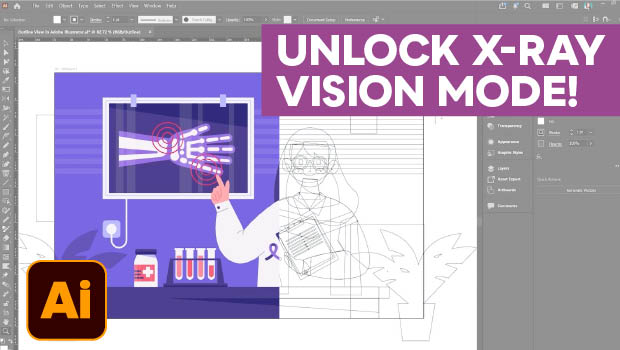
In this Illustrator how-to video, Kat Kremser shows you how to unlock the hidden power of Outline View to troubleshoot your vector artwork. She starts by demonstrating how to toggle the view on and off. Then, Kat explains the benefits of this “X-ray vision” mode for selecting hidden paths, finding invisible objects, and inspecting imported vector files.
Subscribe to the CreativePro YouTube channel for more helpful design tips!
This article was last modified on July 31, 2026
This article was first published on July 31, 2026
Commenting is easier and faster when you're logged in!

Recommended for you
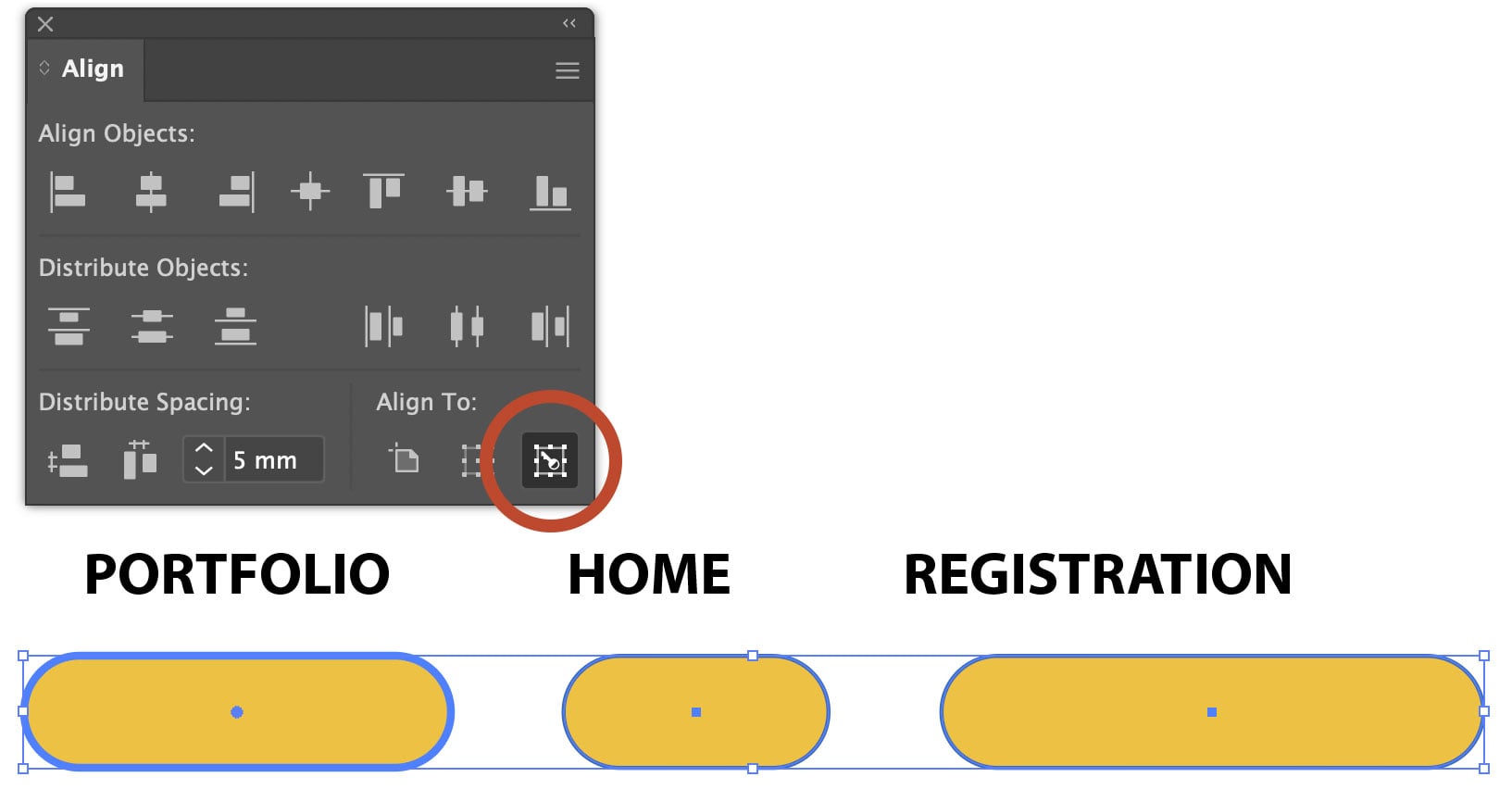
Using Align to Key Object in Illustrator
The Align panel in Adobe Illustrator is a quick and easy way to align or distrib...
Livestream Video: Quick & Easy Vectors with Illustrator’s Shape Builder Tool
Join Khara Plicanic as she explores an easier way of drawing vector shapes in Il...