



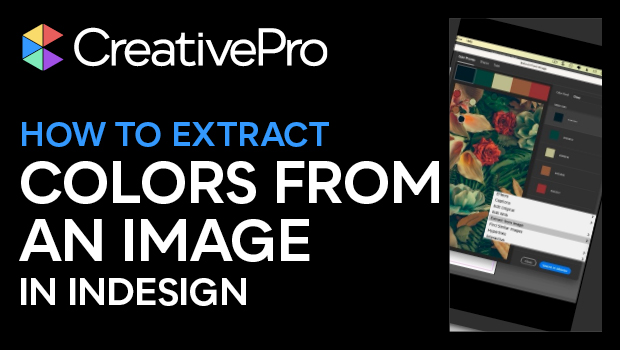
In this InDesign how-to video, Khara Plicanic shows how easy it is to pull colors from an image in InDesign. She walks through right-clicking to have InDesign save color groups as a theme, then selects the sampled color indicators and drags to change them up. Lastly, Khara applies a color mood to the set and saves the theme to a Creative Cloud library for quick re-use.
Subscribe to the CreativePro YouTube channel for more helpful design tips!
This article was last modified on August 29, 2025
This article was first published on May 27, 2025
Commenting is easier and faster when you're logged in!

Recommended for you

Sampling Colors from Multiple Page Items in InDesign
How to use the Color Theme tool to quickly create custom color palettes by sampl...

Tip of the Week: How to Instantly Switch a Swatch’s Color Mode
This InDesign tip on How to Instantly Switch a Swatch’s Color Mode was sen...

Illustrator Downloadable: Tropical Shadow Overlay Kit
Add some tropical color to your next design with these symbols, swatches, and gr...