



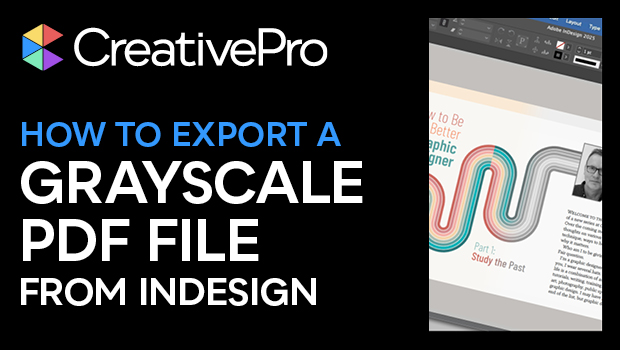
In this InDesign how-to video, Mike Rankin shows how to create a grayscale PDF from a color document on export. This method is simple and doesn’t involve making any changes to the InDesign document. Mike shows which settings to choose and also a couple of preferences to set for best results.
Subscribe to the CreativePro YouTube channel for more helpful design tips!
This article was last modified on August 29, 2025
This article was first published on March 7, 2025
Commenting is easier and faster when you're logged in!

Recommended for you
Export a PDF to a PowerPoint File from Acrobat
Editing your PDF file will be a breeze if you export it to PowerPoint, with Chad...
How to Export an SVG from Photoshop
Photoshop can't export SVGs anymore, but don't panic! Khara Plicinic offers two...

Export a PSD File as an Image Without Opening Photoshop
Export a JPG or PNG from a Photoshop file—no need to even launch Photoshop!