



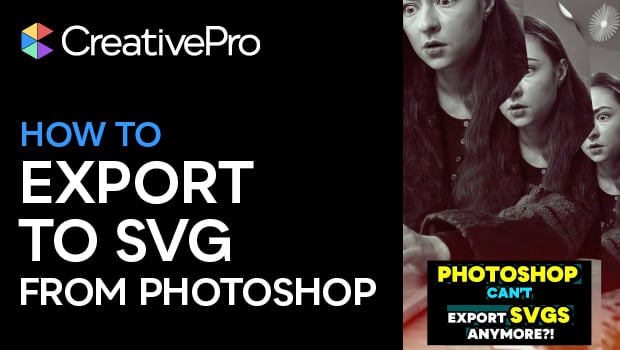
In this short video, Khara Plicanic explains that—even though Adobe removed the ability to directly export SVGs—all hope is not lost. She shows you two easy workarounds to get your vector paths from Photoshop to an SVG format.
Subscribe to the CreativePro YouTube channel for more helpful design tips!
This article was last modified on November 19, 2025
This article was first published on November 20, 2025
Commenting is easier and faster when you're logged in!

Recommended for you

InDesign 20.4 Brings Major Accessibility Advances
The InDesign Expert Group continues to drive significant improvements in EPUB ac...
EPUB Accessibility Updates in InDesign 2026
InDesign 2026 (version 21.0) offers significant upgrades for accessible EPUB pro...