



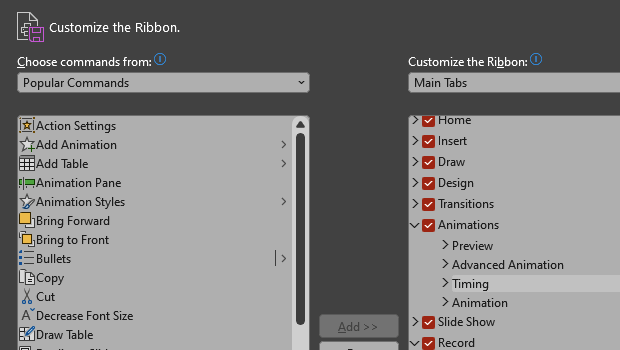
Make PowerPoint work for you, by customizing the Ribbon, hiding tabs you don’t use, and organizing tabs in the order of how much you use them. Here’s how.
On PC, either right-click on the ribbon or go to File > Options > Customize Ribbon.
On Mac, go to PowerPoint > Preferences > Ribbon & Toolbar.
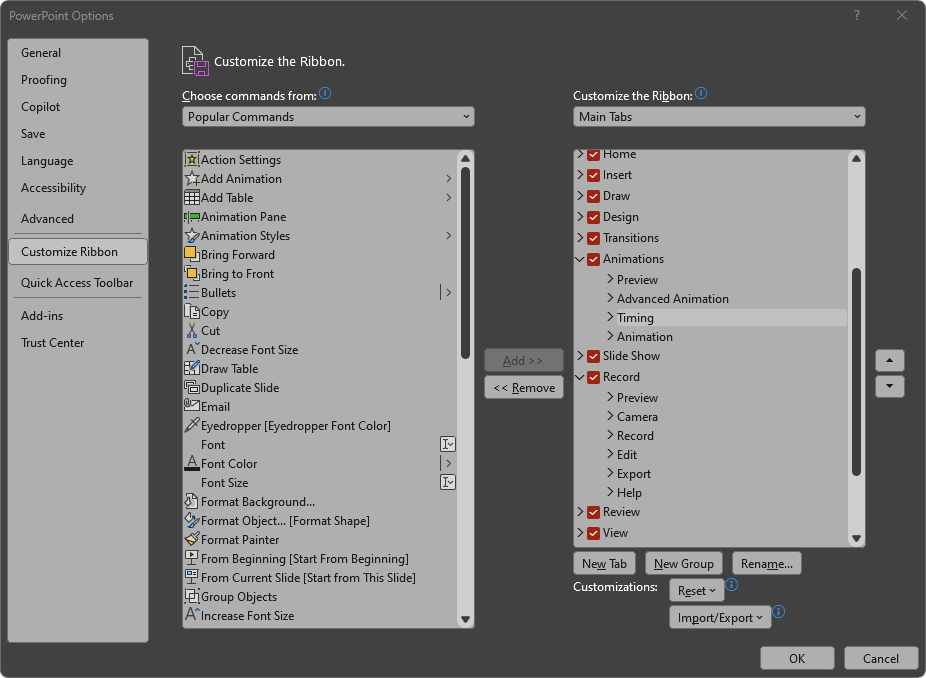
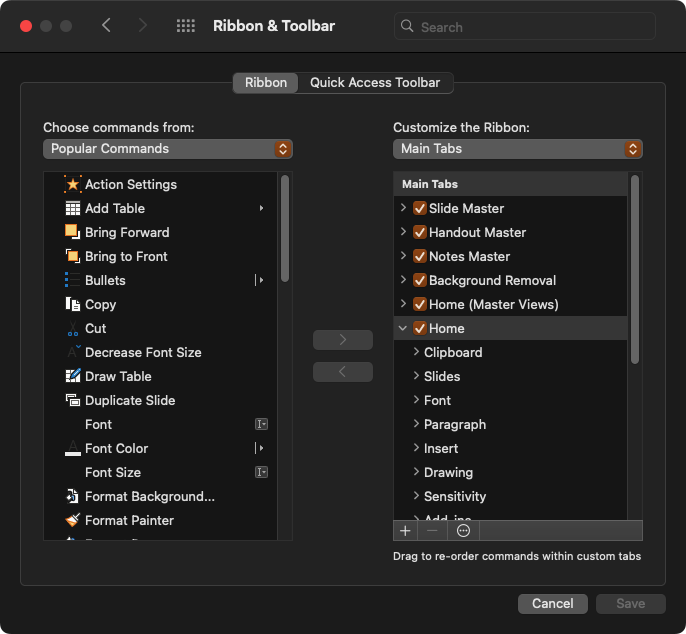
Uncheck tabs you don’t want to see and rearrange them in an order that is convenient for you.
You can also reorder or remove individual items within the tabs! I usually hide the Record, Help, and Acrobat ribbons completely.
This article was last modified on August 11, 2025
This article was first published on January 2, 2025
Commenting is easier and faster when you're logged in!

Recommended for you
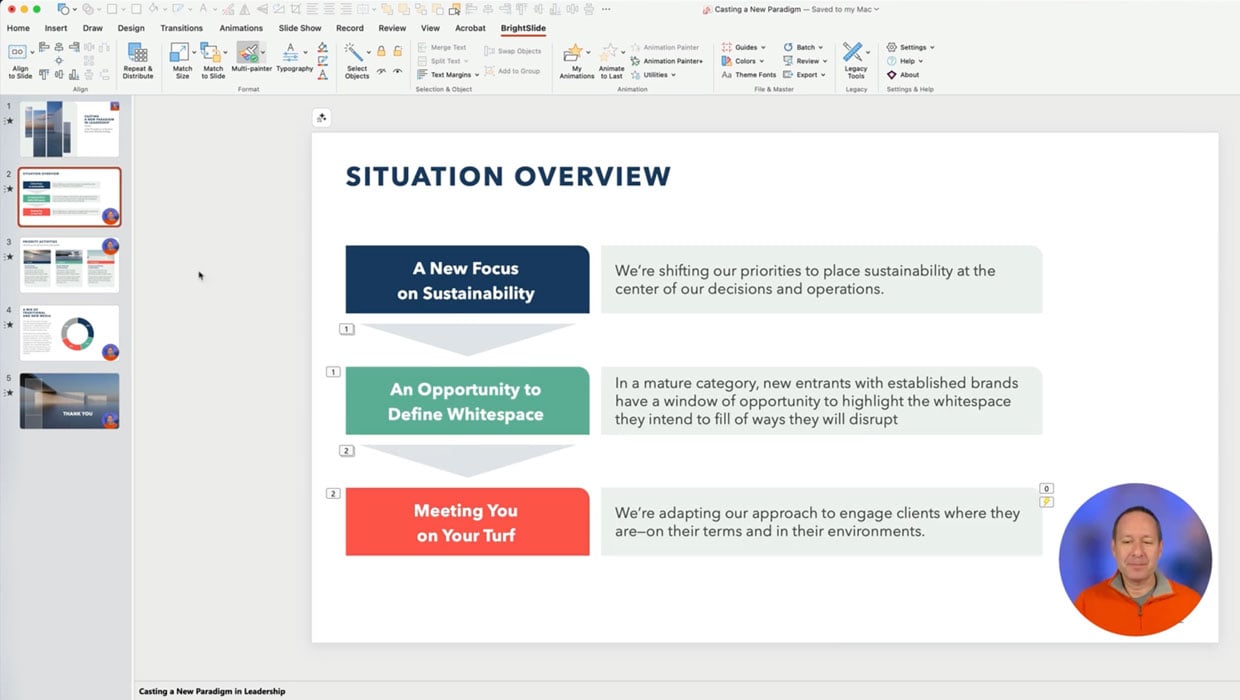
Members-Only Video: Using the Built-in Recording Tools in PowerPoint
Learn how to record your PowerPoint presentation so it can be played back later...

How to Export Animated Charts from PowerPoint for Use in Video
Learn how to export animated charts from PowerPoint so that you can use them in...

All-Time Favorite InDesign Tips
Mike Rankin and David Blatner team up to share two dozen of the most useful InDe...