




In this Illustrator how-to video, Dave Clayton shows off a third-party tool for creating long block shadows in Illustrator. Using the Block Shadow add-on from Astute Graphics, he creates the effect quicker that using the built-in tools and ends up with cleaner, more streamlined finished artwork.
This is a preview of Dave’s upcoming session at The Adobe Illustrator Summit, coming to a device near you September 22–23, 2022. This two-day online event will help you create better, produce faster, and finish more accurately. See the agenda and register now.
This article was last modified on August 29, 2025
This article was first published on August 26, 2022
Commenting is easier and faster when you're logged in!

Recommended for you
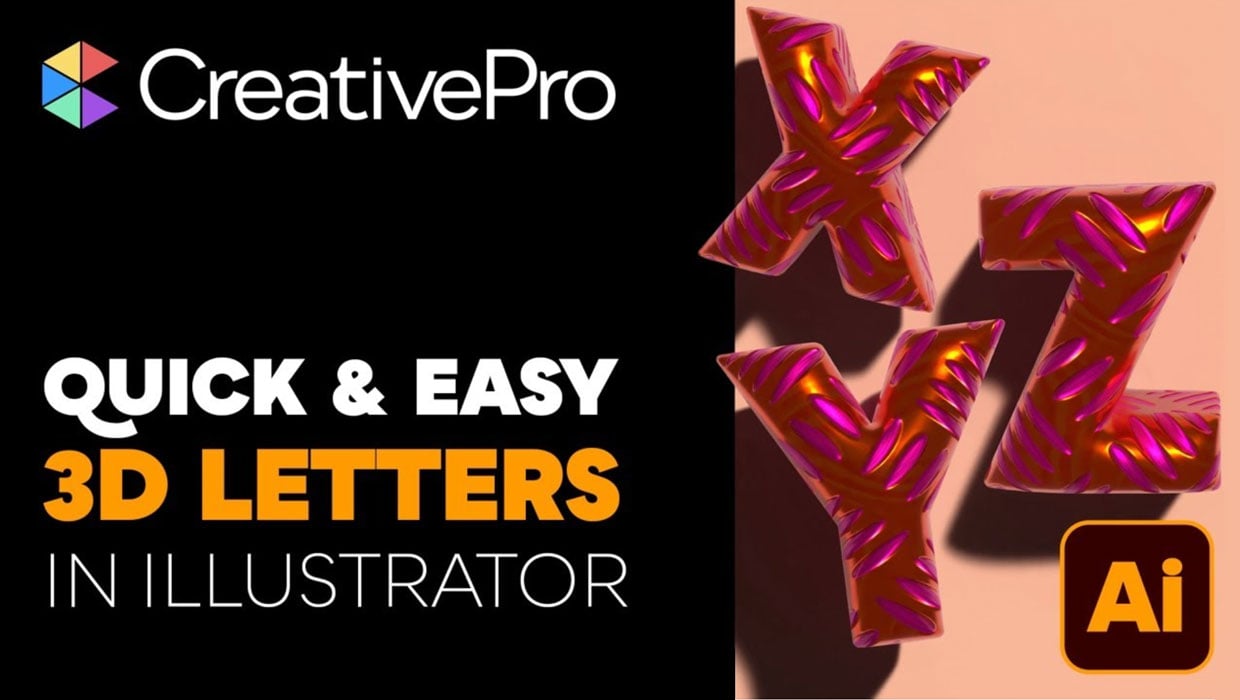
Livestream Video: Creating 3D Lettering Using Illustrator’s Inflate Tool
Join Khara Plicanic as she shows how to create stunning 3D lettering with Illust...
Interview with Laura Coyle, Artist and Educator
An 8-time CreativePro Week speaker offers her thoughts on building confidence an...

Interview with Monika Gause, Print Designer and Illustrator Expert
Q&A with Monika Gause, who is presenting at the 2026 Design + AI Summit for Crea...