



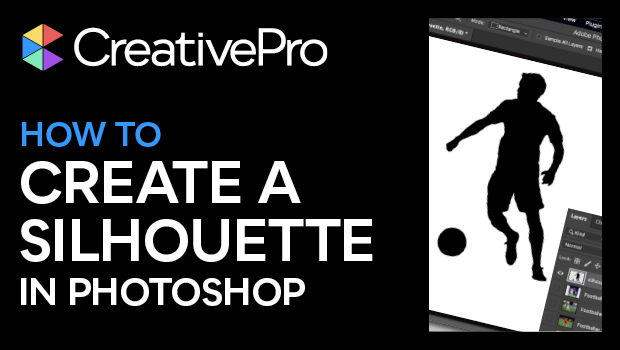
In this Photoshop how-to video, Steve Caplin shows how to create a silhouette. He starts by choosing an image that will translate well to the black and white format, without relying on the context clues from the full photo. Working with the image mask, Steve makes further adjustments to craft the perfect silhouette.
Subscribe to the CreativePro YouTube channel for more helpful design tips!
This article was last modified on August 29, 2025
This article was first published on April 4, 2025
Commenting is easier and faster when you're logged in!

Recommended for you
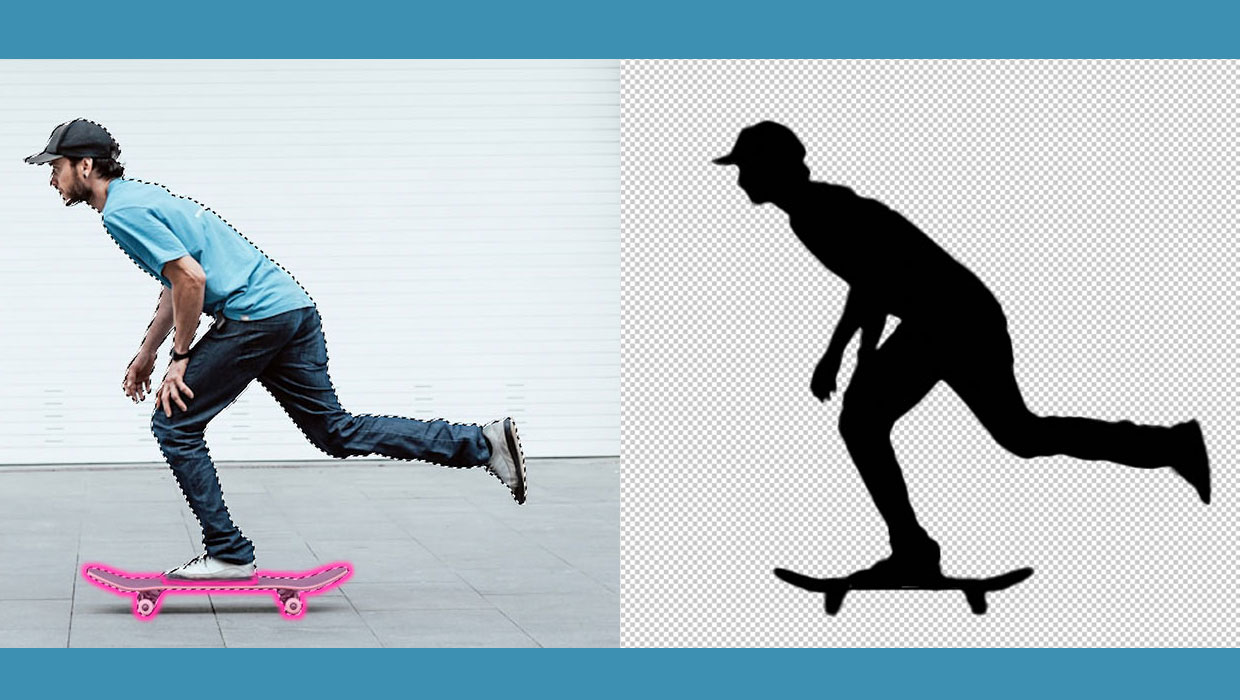
How to Create a Silhouette in Photoshop
Learn how to represent a person or object as a monchromatic shadow in Photoshop

How to Use AI Features for Quicker Photo Editing
Learn the to take advantage of machine learning (AI) when editing photos in Phot...
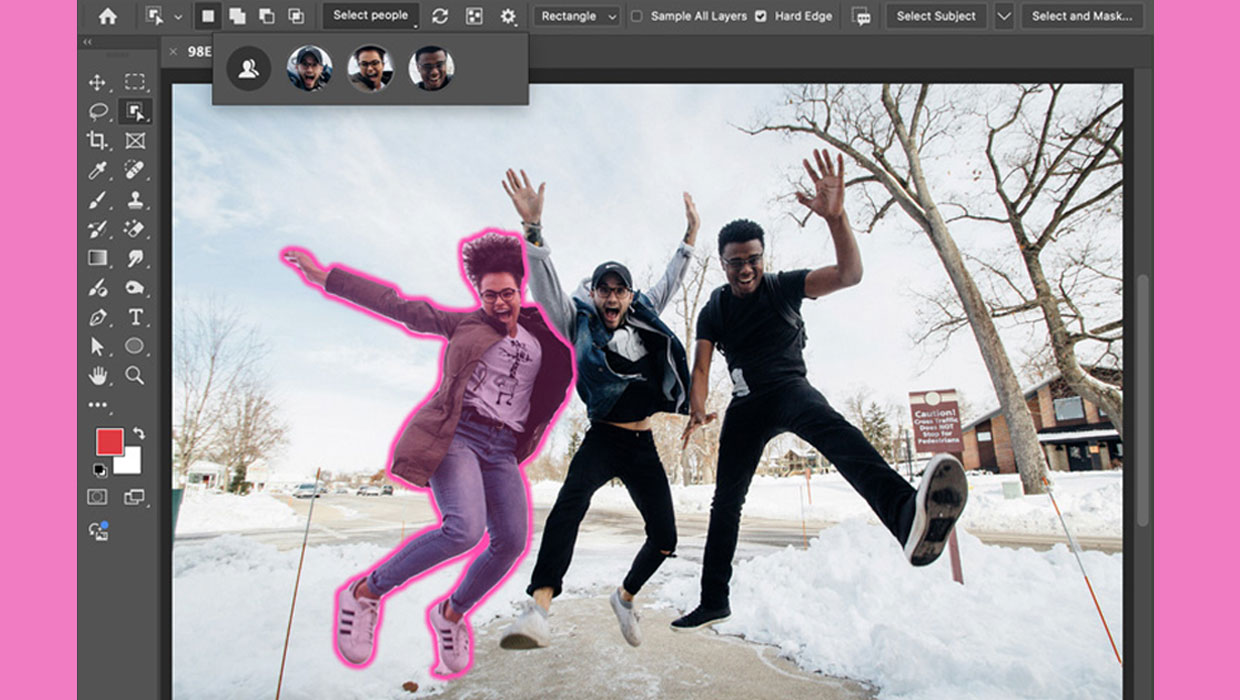
New Features in Photoshop 2025
New features in Photoshop 2025 including powerful new ways to select, mask, and...