



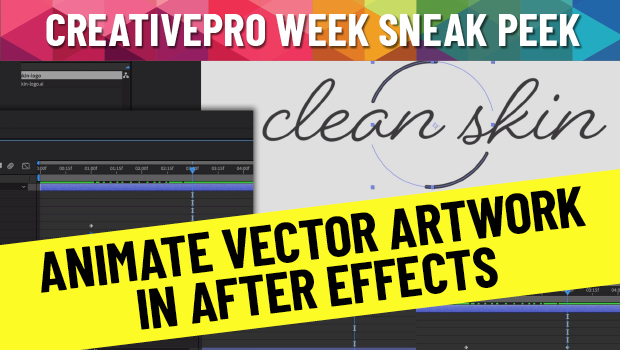
In this CreativePro Week Sneak Peek video, Chris Converse shows how to take vector artwork created in Illustrator and then animate it in After Effects. Going beyond simple slide-ins and rotations, he demonstrates how to add movement to the individual vector elements to put the artwork into motion.
This is a sneak peek from Chris’ session at the upcoming CreativePro Week 2022 in Washington, D.C. May 9-13.
This article was last modified on August 29, 2025
This article was first published on April 3, 2022
Commenting is easier and faster when you're logged in!

Recommended for you

Secrets of the Esc Key
If you’ll pardon the pun, the Esc key might escape the notice of many Adob...

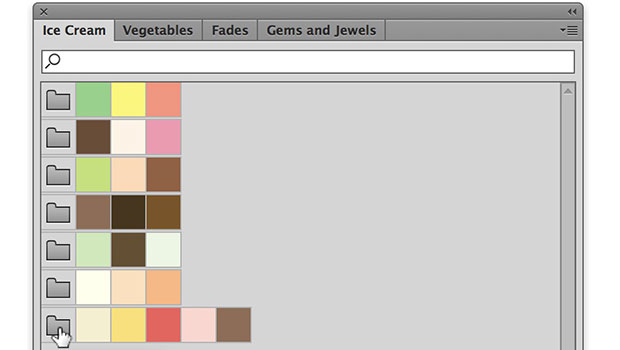
Working with Illustrator’s Color Libraries
Illustrator has more options for adding colors to a document than just mixing co...