



Design is no longer a static discipline. In 2026, the move is toward… well, movement. Whether it’s a brand system that needs to breathe, a presentation that needs to captivate, or social content that needs to “stop the scroll,” motion and video skills have shifted from nice-to-have to career-essential. Here are five great sessions that I hope will “motivate” you to join us at CreativePro Week 2026 in Nashville.
Step by Step: Building an Animated Brand System

This session offers a peek behind the scenes here at CreativePro, as it features a deep dive into the making of our own video bumpers. What also makes this session special is that it’s In-Person Only. Chris Converse will show you exactly how he refined static Illustrator assets into an effective motion system within After Effects using a professional workflow that you can replicate for your own clients.
No Fear Premiere for Designers
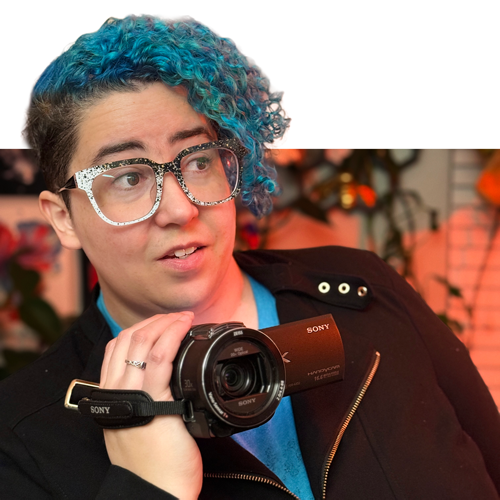
I think that many designers avoid Adobe Premiere because it feels like a different language. Amanda Dalton’s mission is to show you that if you understand hierarchy and visual flow, you already speak Video. This beginner-friendly session is all about the design-first mindset. Amanda’s energetic style will help you makes sense of the interface, so you can integrate Premiere into your creative toolkit. Trust me, it’ll be all fun, no fear.
After Effects for Graphic Designers

Speaking of fear… Like a lot of designers, I’m a wee bit intimidated by After Effects. I take one look at that interface and think, “It must be time for lunch.” Then I look at my watch and it’s 10 AM. But Rob de Winter knows After Effects doesn’t have to be scary. He’s great at teaching designers how to build on the skills they already have and branch out with confidence (like all of CreativePro Week is meant to). This session is about adding motion to your skill set without fundamentally changing your workflow.
Cinematic Presentations: Creating Dynamic, Immersive Content

When it comes to designing presentations, Richard Goring is a bit of mad scientist. Maybe that’s why this session made us think of Doc Brown saying, “Where we’re going, we don’t need roads.” It’s a session for anyone who wants to take their presentations to the next level by coordinating digital content with live elements like camera teams and staging. The result can be an unforgettable live event. Just one problem: you’ll have to bring your own popcorn.
Serious Animation for Seriously Fun Presentations

If you think PowerPoint animation is just for cheesy transitions, Jole Simmons will change your mind. He treats animation as a storytelling tool, not decoration. And the key to success is using animation with intention. You’ll learn how to use fresh motion techniques to guide attention and add professional polish without crossing the line into tacky territory.
A Thoroughly Moving Experience
(Using my movie trailer narrator voice) In a world where every screen is competing for attention, the ability to bring static assets to life is what separates a good designer from a truly versatile one.
These five sessions were specifically curated to encourage you to embrace motion and video as part of your regular design workflow. Whether you need help getting started in Premiere or After Effects, or advice on how to make your PowerPoint slides feel more cinematic, you’ll get practical skills you can apply right away.
CreativePro members: Don’t forget to use your discount code found on the Member Benefits page!
What motion tool are you most excited (or most intimidated) to master this year? Let us know in the comments!
This article was last modified on April 8, 2026
This article was first published on April 8, 2026
Commenting is easier and faster when you're logged in!

Recommended for you
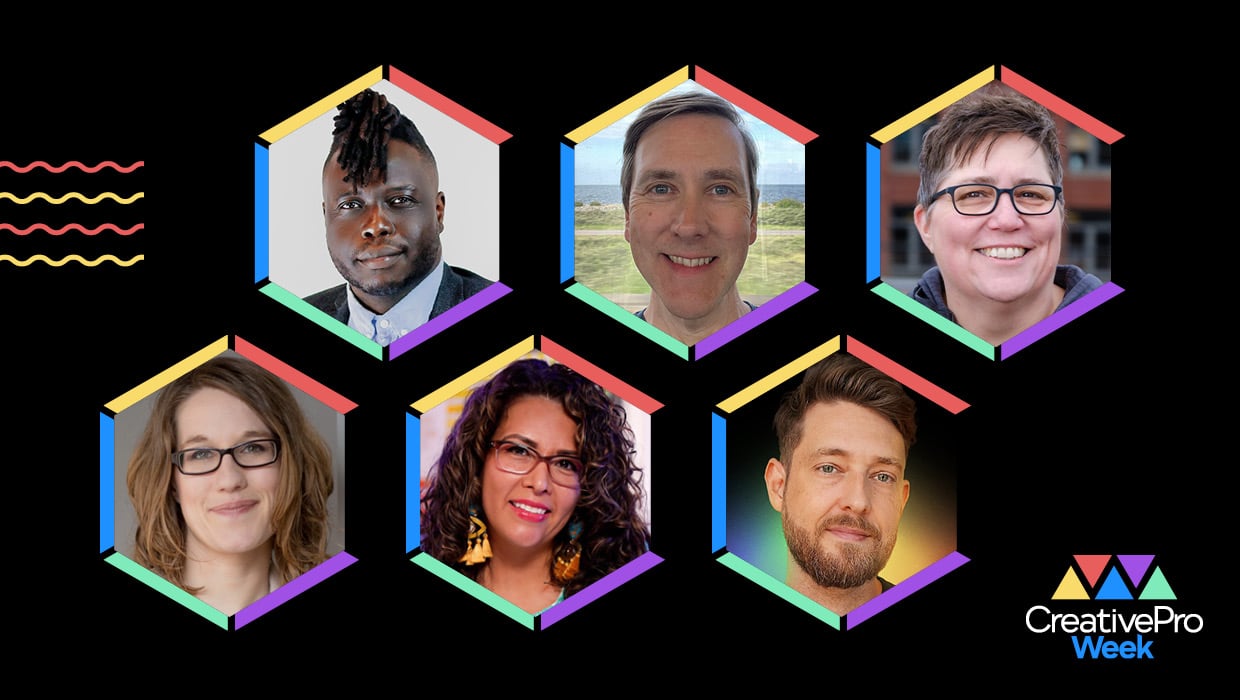
CreativePro Week 2026 Preview: 6 Auspicious AI Sessions
Six sessions to help you put artificial intelligence to genuinely intelligent us...

How to Create Animated GIFs in Illustrator with the GIF Studio Plug-in
This new plug-in allows you to design, animate, and export GIF files directly fr...
InDesign Magazine Issue 123: Nonfiction Design
We’re happy to announce that InDesign Magazine Issue #123 (July 2019) is no...