




The Design + AI Summit 2026 returns for Part 2 to help you build cutting-edge creative workflows without sacrificing your human creativity.
This incredible two-day event featuring the industry’s leading voices is coming to your screens September 14–15, 2026. Here are my top five picks from the agenda.
Prompting for Consistent Creative Results
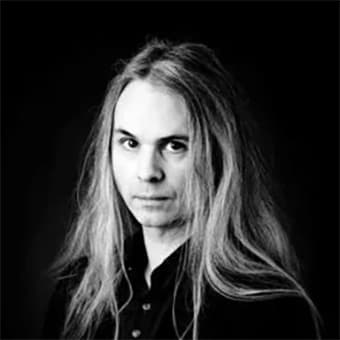
There are times when getting an AI tool to generate a single image that you’re picturing in your head can be a time-and-token-consuming challenge. So, the idea of achieving reliable, brand-aligned results at scale when the clock is ticking might seem like a fantasy. But it’s not—if you have a well-thought-out prompting strategy. Joseph Labrecque will explain how prompting is more science than art, showing you how to guide the different tools in Adobe Firefly using clear language and visual references. You’ll leave with practical techniques to eliminate frustrating output and maintain creative control.
Photoshop AI for Real-World Retouching and Compositing
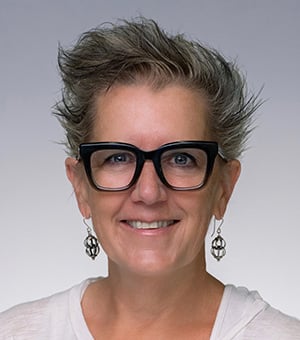
If you’re tired of watching “mind-blowing” AI demos that turn into soul-sucking frustration when you try the tools yourself, this is the session for you. For over three decades, Lisa Carney has been doing the highest of high-end photo retouching work for both print and screen, and she knows which tools can work magic and which ones are mostly hype. She’ll share practical tips for using AI to save time, and where you still need traditional Photoshop skills to seal the deal.
How to Wash the Smell of AI Out of Your Text

By now, many of us know the giveaways of AI-generated text. The “it’s not this, it’s that” phrasing. The inevitable list of three things. Somehow being hopelessly vague and weirdly specific at the same time. We won’t even get into AI’s obsession with the word “delve.” Sara Rosinsky will teach you how to write better than any chatbot could dream of (and chatbots don’t dream anyway). Whether you need to inject some humanity into generated text or feel more confident about your own writing, Sara’s got you covered.
AI + Design Law, Ethics, and Risk

For a while, tech bros were fond of saying stuff like “move fast and break things,” as a way of challenging the status quo. Now, in this age of AI, when the status is far from quo and things are moving faster than ever, you need to make sure what gets broken isn’t your company, your clients, or your reputation. The best way to do that is to know where current copyright law stands and follow the best legal practices. In this session, attorney Seth Polansky will help you navigate the legal landscape around AI usage in professional work so you can minimize your risks and liabilities and still get the job done.
Video Post-Production: Save Time and Open New Doors with AI

All of a sudden, it seems like video production is a skill that designers are expected to possess. It can be exciting, but also daunting as the tools have a steep learning curve and your boss or client always seems to need the finished product yesterday. Fortunately, this is an area where AI can really help. New tools can vastly reduce the amount of time it takes to edit, caption, transcribe, enhance, and repurpose video. If you’re a designer who suddenly has video production added to their job description, you do not want to miss Nick Brazzi’s session.
Master the Future of Design
As these five sessions show, navigating the future of design will be easier if you know how to blend AI with your skills and human creativity. Whether you need to learn precise prompting, super-fast video production, or legally sound practices, the Design + AI Summit has the knowledge you need. Check out the full agenda and join us September 14–15.
CreativePro members: Don’t forget to use your discount code found on the Member Benefits page!
This article was last modified on August 19, 2026
This article was first published on August 19, 2026
Commenting is easier and faster when you're logged in!

Recommended for you
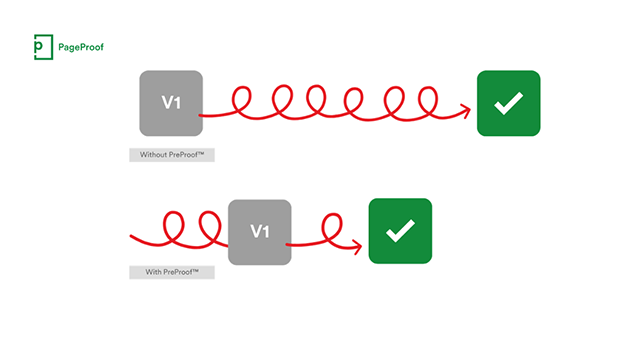
PageProof unveils PreProof™, giving creative teams better first proofs and fewer review rounds
PageProof’s new PreProof™ capability helps designers catch spelling, brand, and...
Interview with Guillermo Flores Pacheco, Art Director and Illustrator
The artist behind the Photoshop splash screen shares his process and perspective...
Rotating Objects in Illustrator Using Turntable
Generate vector objects from a variety of angles with the help of AI