



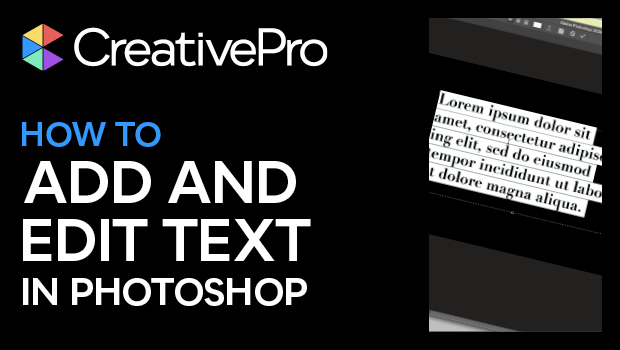
In this Photoshop how-to video, Khara Plicanic shows how to add text to your document and how to edit that text. She shows creating paragraphs of text vs. using headline—or single line—text. Khara then demos making changes to multiple layers at once and making adjustments across those layers using the Properties panel.
Subscribe to the CreativePro YouTube channel for more helpful design tips!
This article was last modified on August 29, 2025
This article was first published on March 21, 2025
Commenting is easier and faster when you're logged in!

Recommended for you

Quick Wins: Handling Images in InDesign
Use these five resources to boost your image-handling skills in InDesign
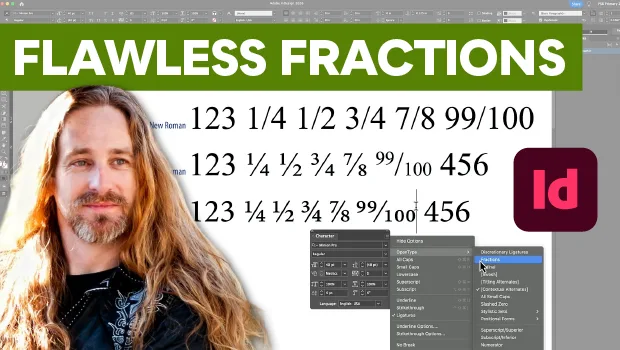
Create Flawless Fractions with OpenType
Choose your font carefully if you need flawless fractions!
Closed Captioning in Premiere
Add captions to your Premiere video to ensure everyone benefits from its audio t...