




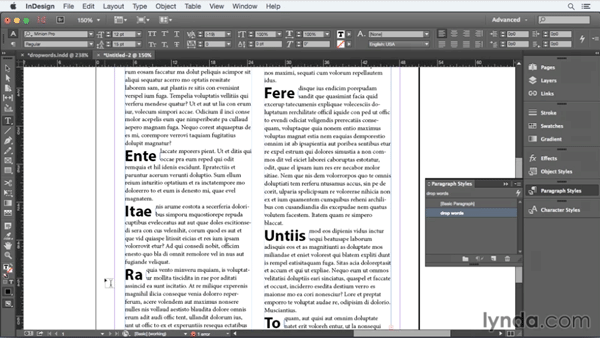
We’ve all heard of drop caps, but have you ever heard of a drop word? Well, you have if you’ve read this post, in which David Blatner details his method for making entire words (of any length) take on the position and formatting of drop caps.

There isn’t a single feature in InDesign to accomplish this trick, but that’s no obstacle to David. He gets the job done with a combination of styles and text wrap. And in the latest free video from the InDesignSecrets series at lynda.com, you can see the magic of creating drop words.
This article was last modified on March 5, 2025
This article was first published on August 7, 2015
Commenting is easier and faster when you're logged in!

Recommended for you

The Peter Kahrel Script Repository Gets a CreativePro Makeover
Peter Kahrel is one of the most prolific and influential InDesign scripters of a...

Convert to Outlines in InDesign and Keep Your Editable Text
Khara Plicanic creates text outlines and keeps an editable copy with one click!

Create an Automatic List Inside a Paragraph
Create automatic numbered or lettered lists inside an InDesign paragraph with th...