



Event Overview
The InDesign Conference 2026 is the essential how-to event for creative professionals who rely on Adobe InDesign. Being held online December 1–4, this four-day conference features 20+ expert-led sessions designed to help you work faster, export cleaner, and finally fix the pain points in your workflow.
Whether you’re designing books, marketing materials, reports, or digital publications, this event will sharpen your skills and simplify your process.
You’ll learn directly from the world’s top InDesign experts on topics like advanced styles, automation with GREP and Data Merge, long-document workflows, accessible layout techniques, and more. Each day ends with a project-based session, complete with downloadable practice files so you can follow along and apply what you’ve learned right away.
Your registration includes access to all live sessions and Q&A recordings for the days your pass covers—plus one full year of on-demand access so you can revisit the content anytime. You’ll also receive comprehensive speaker handouts, as well as the InDesign Productivity Kit: a curated bundle of professional templates, time-saving scripts, powerful automation tools, and two essential ebooks.
If InDesign is part of your job, this is the training that changes everything.
Can’t join us live? Don’t worry, we’ve got you covered. . .
Registration includes on-demand access to session and Q&A recordings for a full year, so you can absorb the knowledge at your own pace.
What We’ll Cover
- Using styles efficiently for text, object, tables, and more
- Ensuring color consistency across RGB, CMYK, and specialty print finishes
- Perfecting your typography with pro-level formatting
- Getting Microsoft Word and InDesign to work together
- Automating InDesign with data merge, scripts, GREP, and more
- Mastering layout features and parent pages
- Building interactive documents
- Perfecting PDF export
- Collaborating with Creative Cloud and 3rd-party tools
- Troubleshooting when things go wrong
- Elevating design with images, graphics, tables, transparency effects, and more
- Working faster with less effort using advanced tips and tricks
Why Attend
See why The InDesign Conference needs to be in your 2026 plans now!
Level Up Your InDesign Game
From time-saving shortcuts to powerful automation workflows, you’ll gain practical techniques that help you work faster, smarter, and with greater confidence—no matter your experience level.
Learn from the World’s Best
Get insider tips and deep insights from the most trusted names in InDesign—including industry experts, power users, and even members of the Adobe InDesign team.
Connect with the InDesign Community
Join a global network of passionate designers, publishers, and production pros. Share experiences, ask questions live, and find inspiration in the way others use InDesign to solve creative and technical challenges.
Keep Growing Long After the Conference Ends
Every registration includes one year of on-demand access to session recordings, plus downloadable handouts, automation tools, and exclusive InDesign templates to support your workflow year-round.
Need to convince your boss?
Download our Convince Your Boss kit today—it contains our 2026 PDF brochure and an email letter template you can personalize.
Registration Details
One year of on-demand access
to all session and Q&A session recordings for the days your pass covers
Livestream access
to all session and Q&A session recordings for the days your pass covers
InDesign Productivity Kit
including two ebooks (Top Tips for InDesign and 100 Things Every InDesign User Should Know), four exclusive InDesign templates of professional quality, exercise files from project-based sessions, and a special bundle of InDesign scripts and automation tools.
Speaker handouts
and resources from the world’s top experts
Alumni discount
on future CreativePro events
Certificate of Participation
Pricing
All prices are in USD. CreativePro Member discount cannot be combined.
| Pass Type | CreativePro Members | Non-Members |
|---|---|---|
| 4-Day Passes | $950 | $1,075 |
| 3-Day Passes | $750 | $875 |
| 2-Day Passes | $550 | $675 |
| 1-Day Passes | $450 | $450 |
Discounts and Group Registrations
- Students, faculty, non-profits, and government agencies can receive a $100 discount off any multi-day pass.
- CreativePro Members can receive a $125 discount off any multi-day pass.
- Alumni of CreativePro events can receive a $150 discount off any multi-day pass.
- Groups of three or more can receive a $50 discount for each attendee they register.
- Discounts cannot be combined (including CreativePro member discount). Discounts cannot be added after you have registered.
- Please contact us here for discount information prior to registering.
Substitutions
- You may transfer your registration to another person by writing Marci on our Contact Us page. Your request must include your name and e-mail address as well as that of the person who will now be attending in your place. Once we receive this information, a confirmation letter will be sent to the new attendee.
- If you need any other information after reviewing this page, please contact us here.
Get a Taste
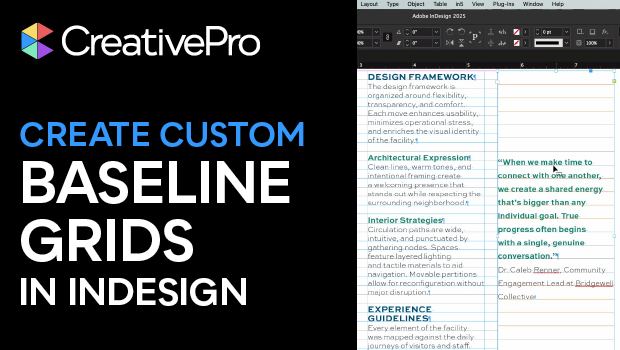
How to Create Custom Baseline Grids in InDesign
Julie Shaffer creates custom baseline grids for each text frame in her document.

Use Bridge to Find and View All Linked Assets in an InDesign File
Quickly find and collect every linked asset in your InDesign project using this smart Adobe…

Interview with the InComparable Anne-Marie Concepcion
Q&A with Anne-Marie Concepcion, who is presenting at The InDesign Conference 2025
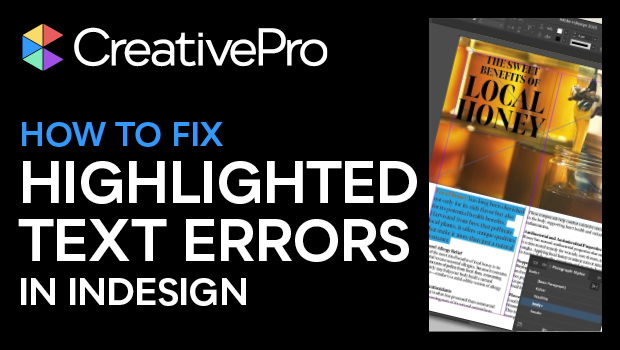
How to Fix InDesign Text Issues Highlighted in Blue
Why is your InDesign text blue? Myra Ferguson explains what’s going on — and what…

A Script to Empty Selected Text Frames in InDesign
A simple fix for a missing feature in InDesign, with the help of AI
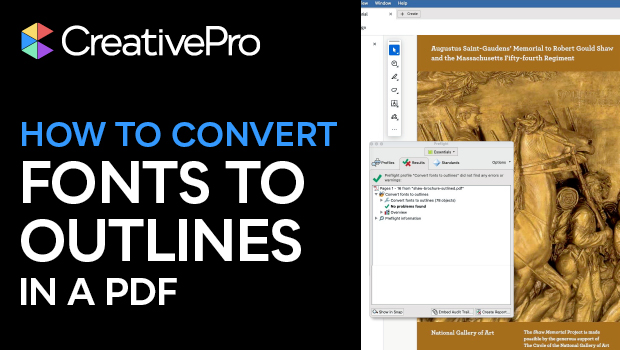
How to Convert Fonts to Outlines in a PDF
If you need to provide a PDF with fonts converted to outlines to your print…
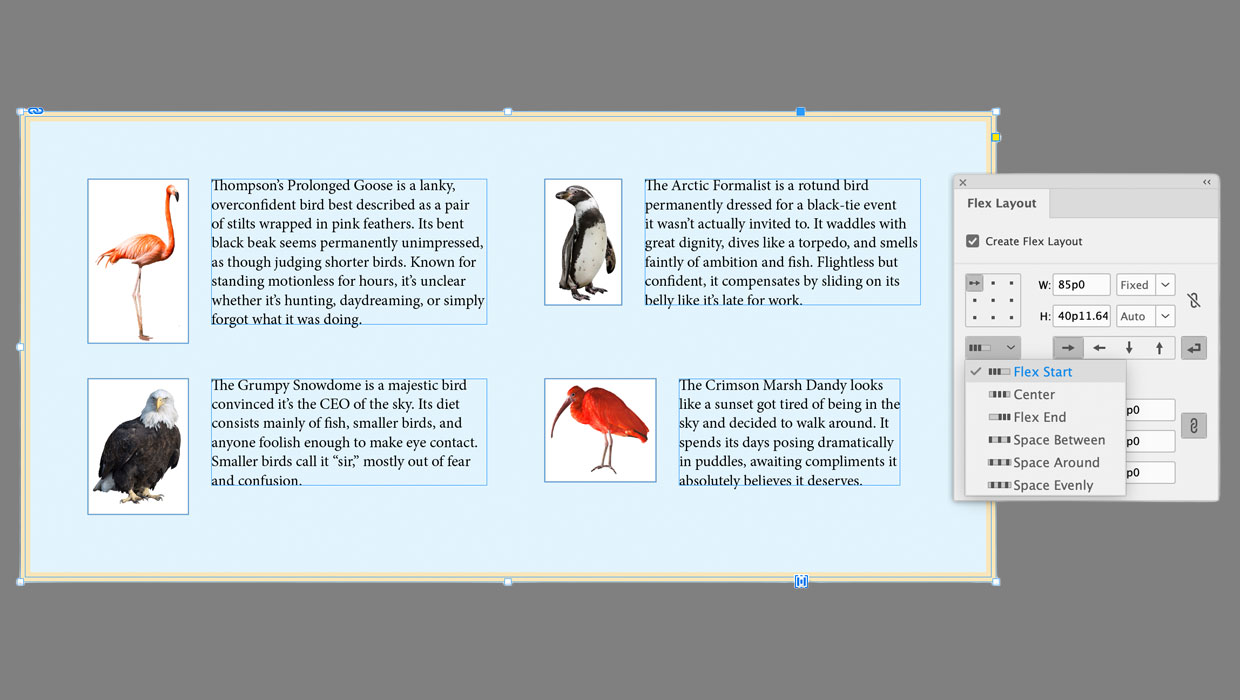
Getting Started with Flex Layout in InDesign
Start exploring a whole new way to create layouts that automatically adapt to the content…
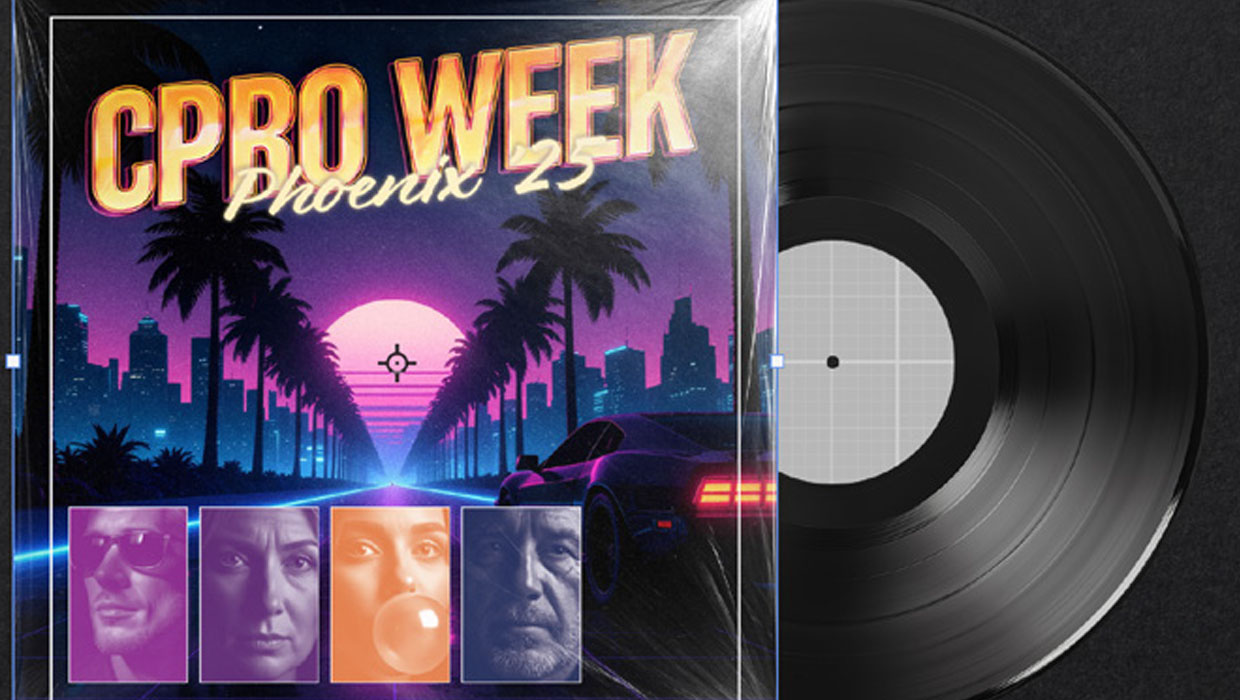
Recolor Images Using Extracted Color Themes in InDesign
How to unify a design composed of separate placed images by recoloring them with colors…
A Script for Styling Punctuation in InDesign
This free script formats punctuation to match the text immediately before and after it.
Last Year’s Speakers
Get real-world answers to your toughest design challenges from our industry-leading experts. 2026 speakers announced soon!





















Discounts and Group Registrations
- Students, faculty, non-profits, and government agencies can receive a $100 discount off any multi-day pass.
- CreativePro Members can receive a $125 discount off any multi-day pass.
- Alumni of CreativePro events can receive a $150 discount off any multi-day pass.
- Groups of three or more can receive a $50 discount for each attendee they register.
- Discounts cannot be combined (including CreativePro member discount). Discounts cannot be added after you have registered.
- Please contact us here for discount information prior to registering.
Substitutions
- You may transfer your registration to another person by writing Marci on our Contact Us page. Your request must include your name and e-mail address as well as that of the person who will now be attending in your place. Once we receive this information, a confirmation letter will be sent to the new attendee.
- If you need any other information after reviewing this page, please contact us here.