



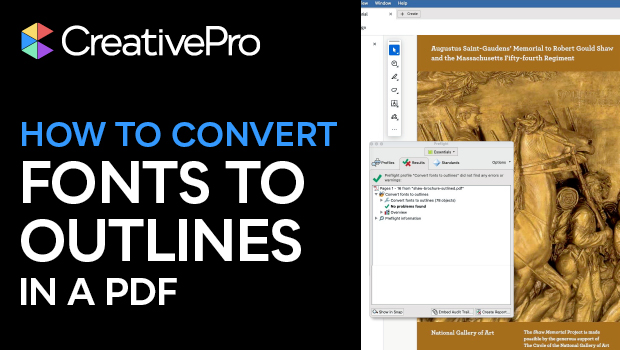
In this Acrobat how-to video, Mike Rankin converts all the fonts in his PDF to outlines. He explains why it’s best to leave your original working file intact and do this job in Acrobat instead. Luckily, using a preflight fixup in the new Acrobat experience is a quick and easy way to get it done.
Subscribe to the CreativePro YouTube channel for more helpful design tips!
This article was last modified on November 6, 2025
This article was first published on October 10, 2025
Commenting is easier and faster when you're logged in!

Recommended for you


Quick Wins: Building Print Production Skills
Use these five resources to boost your prepress knowledge and skills.
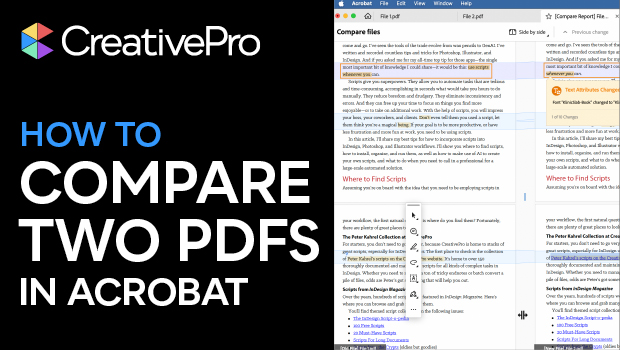
How to Compare Two PDFs Using Acrobat
See all the differences in two PDFs at a glance with this quick Acrobat tip.